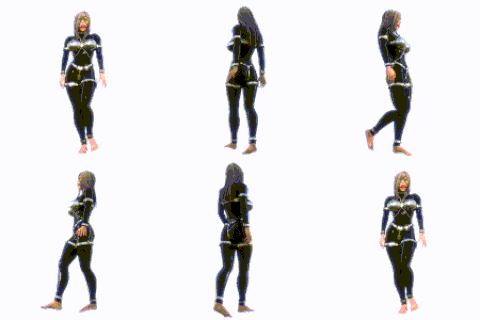
XPS Configurable Outlines user Written Shader
Added 2025-02-03 21:56:40 +0000 UTCDo you remember I told you that I was working on a custom shader made by me to have outlines in 3d models. this is one of the versions I have made so far. But it has some drawbacks. It only works well on models with fully opaque textures. The big advantage compared to the XL CelMap shaders, is that the model regardless of bone rotation or position will keep the shape of the lines, and even better, now the thickness of the lines is configurable inside the program through the “UserShaderParameter” option. In addition, this version retains XPS's configurable lighting type with shadows and light color.
This outline shader was tested on XPS AKA XNALara version 11.8.9 and will only be compatible with opaque textures, this means that if you have a semi-transparent texture on your model, it will not be displayed correctly, they will be displayed as black. I have tried to fix this without success yet. More shaders with other features and drawbacks will also come soon.
To use it follow these steps:
1. Install it by copying the file “1 Outlines with Shadow Depth 1 light.fx” in the “shaders” folder inside your “XNALara_XPS” folder.
2. Open the XPS program and look for the shader in the “Control Windows”, go to “Shader” and look for “User Written shader”. Select the “1 Outlines with Shadow Depth 1 light.fx”.
3. Load a Model that has only opaque textures and press “J” on the keyboard on the window where the model is loaded and displayed (not the Control Window).
4. The “UserShaderParameter” window will appear. Drag the “User shader parameter 1” to the right to increase the size of the model outlines.