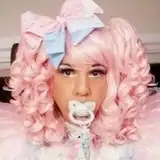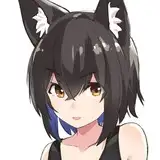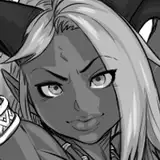
These tools will allow you to add a hairline to your character using the tattoo mode, edit it to the desired hairstyle right in the game and save the character without using custom content.
The set includes seven hairline options in the form of stencils. And 6 stamps so that you can refine them as desired.
To add a hairline:
1) Choose a paint color that matches the color of your hair roots. Keep in mind that paint applies differently to different skin tones. Therefore, before you start working in tattoo mode, make sure you have decided on your skin tone.
2) Set the transparency slider to the highest value so that the stencil is filled with a solid color without transparency.
3) Select a stencil and use the fill tool. For convenience, you can turn on/off the highlighting of the stencil shape using the eye icon.
4) If the selected stencil does not suit you or you need to adjust the color, use the undo action or erase the hairline with an eraser. I do not recommend re-using the fill over the one already created, as this makes the tattoo rougher and artifacts may appear along the edges.
5) Edit the hairline if necessary. You can erase the parting area and refine the shape using the brushes from the set.
K'Tala Morgan
2025-06-20 15:02:51 +0000 UTCBaroness Bat
2025-05-17 02:43:51 +0000 UTC