My Solid Advice for Environment Design - 'Operator' PSD and Video Process
Added 2023-12-06 17:10:02 +0000 UTCHey everyone,
Here's a brief introduction to my process behind 'Operator', my latest illustration. The intro is divided into concept development and technical execution. Enjoy.
Concept
For this particular exploration, I was looking for a "green" approach. Instead of animals, I decided to go for a Japanese payphone. These have a characteristic look and, in my opinion, they appear quite original. So, instead of creating a character only illustration, I went further with environment and props concepts by positioning the character inside the phone. The goal was to tell a funny and original story about how the phone mechanism or engineering works inside. I replaced its composition with an office like environment.
My approach to this execution involved researching how the phone actually looked inside.

Then, I did a quick search on what kinds of services you can find when making calls from these payphones. From that point, I made a list of possible ways I could represent these services with office props, similar to the office of someone who works in a call center. The list looked like this:
- Color: green and white/black
- Reference: Japanese Payphone
- Action: Surprised by listening
- Costume: Green hair, operator or secretary outfit, tattoos.
Extra Environment and Props:
- Call connection
- Directory (Yellow Pages)
- Emergency call
- Time and date
- City map
- Coins
Execution
While I thought this would be a relatively quick illustration based on the simplicity of the character's outfit, I ended up painting for a solid 9 hours. For those interested in my approach with environment design, I think you will find this process useful. The key takeaways, I think, are:
- Shape Brush: The beginning of the process was aimed at solving shapes and color distribution roughly.
- Lines and Information: I used quick lines to come up with key information points I could not define with shapes only, mainly to balance the composition around the list I had.
- Perspective: The Perspective Point brush helped me choose the horizontal line and how far from the perspective point the composition should be in order to make the "office" readable. This was achieved by making the guide very big. I also pushed the perspective a bit with the phone handset, just to create the illusion that the viewer is the one speaking.
- Color: I used variations of green tones, many of them desaturated, very close to the range of yellow and blue.
- Values: The composition had the source of light at the top left. It's a simple approach since the composition had quite a lot of information.
Conclusion
My solid advice for approaching this kind of environment design is:
1. Don't just jump into creating things from your imagination. In order to streamline your process. List at least five points in tune with the narrative of your concept. If it's a tool, consider the functions of the tool; if it's a place, think about its function and the people you often find there.
2. Set your horizontal line above the middle to grant a top view of the assets in the composition.
3. Utilize the one-point perspective brush in Photoshop to establish your guide. After applying a single brush stroke to create the perspective point, significantly enlarge this circle to broaden the perspective field. Working within the expanded periphery of this circle, rather than close to its center, prevents the extreme distortion akin to a fisheye lens effect. This method ensures that the perspective lines are spaced wider apart, offering a more 'open' and easily readable layout for the assets in your composition.
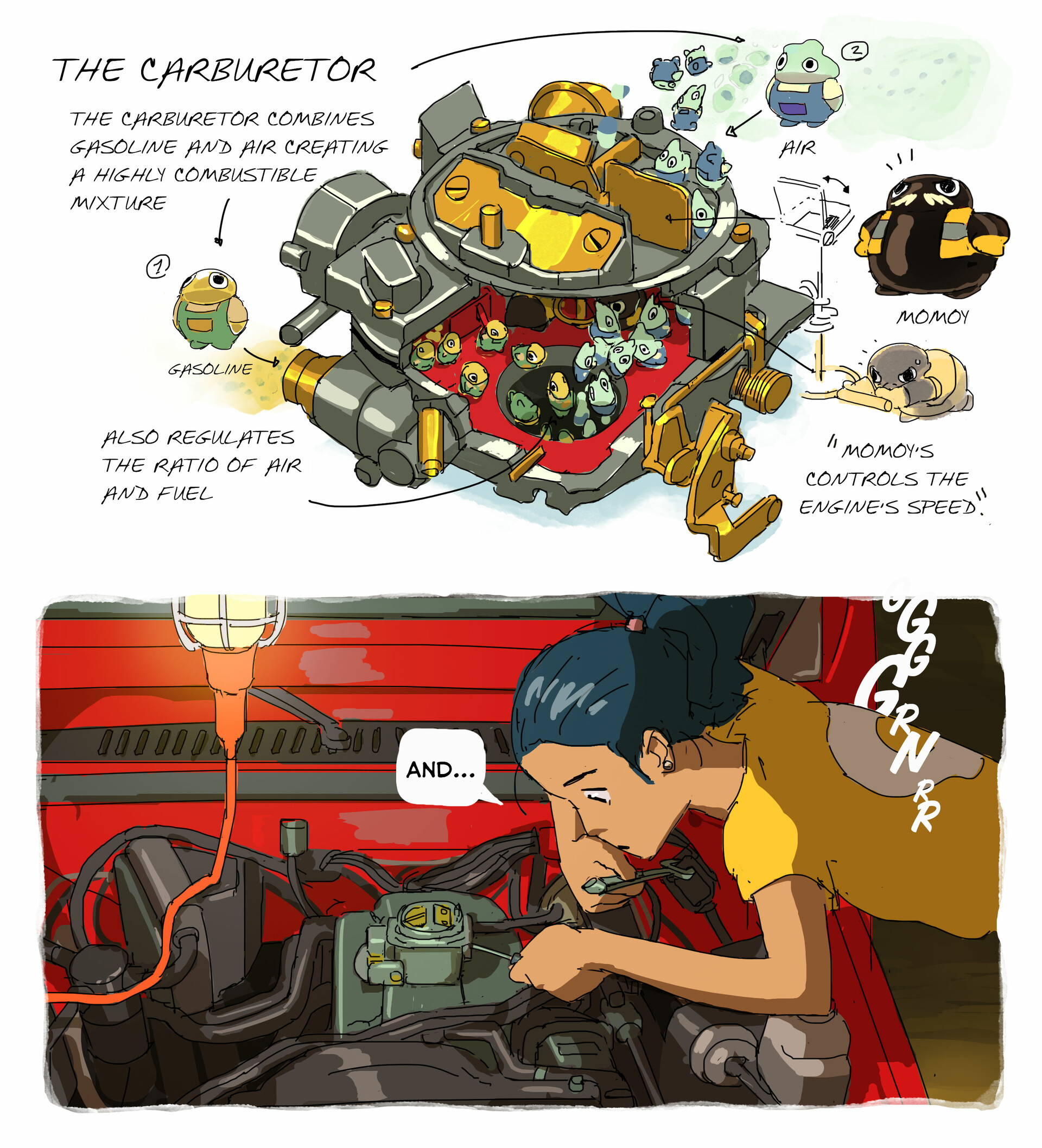
This is not the first time I've tried these kinds of concepts. Long time ago, I was very inspired by Miyazaki's designs and did something similar when I was trying to build a story out of a car carburetor. I like to mix fantasy with technology or engineering. I might try more of these in the future, so stay put for more insights as this approach to prop and environment is very useful for concept art jobs!.
Thanks for your support.