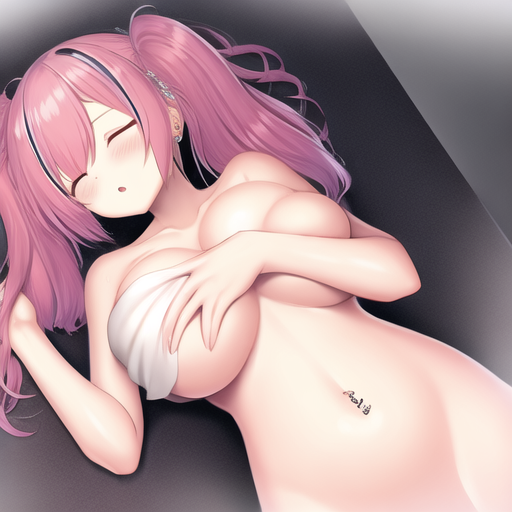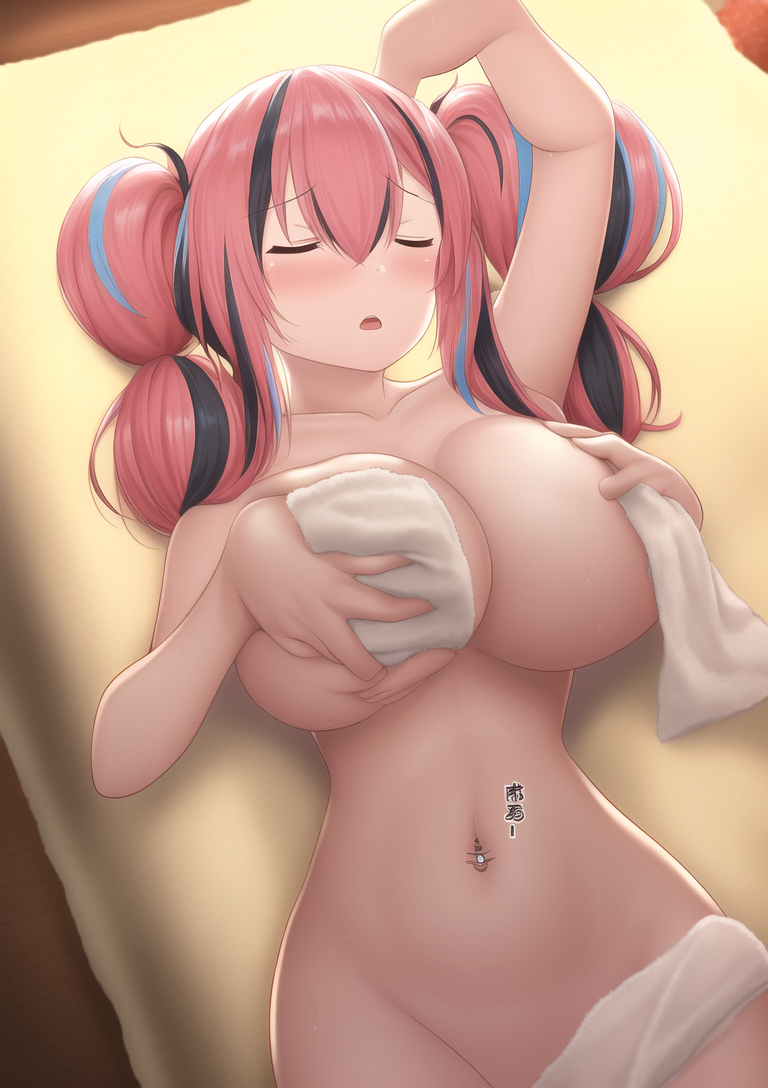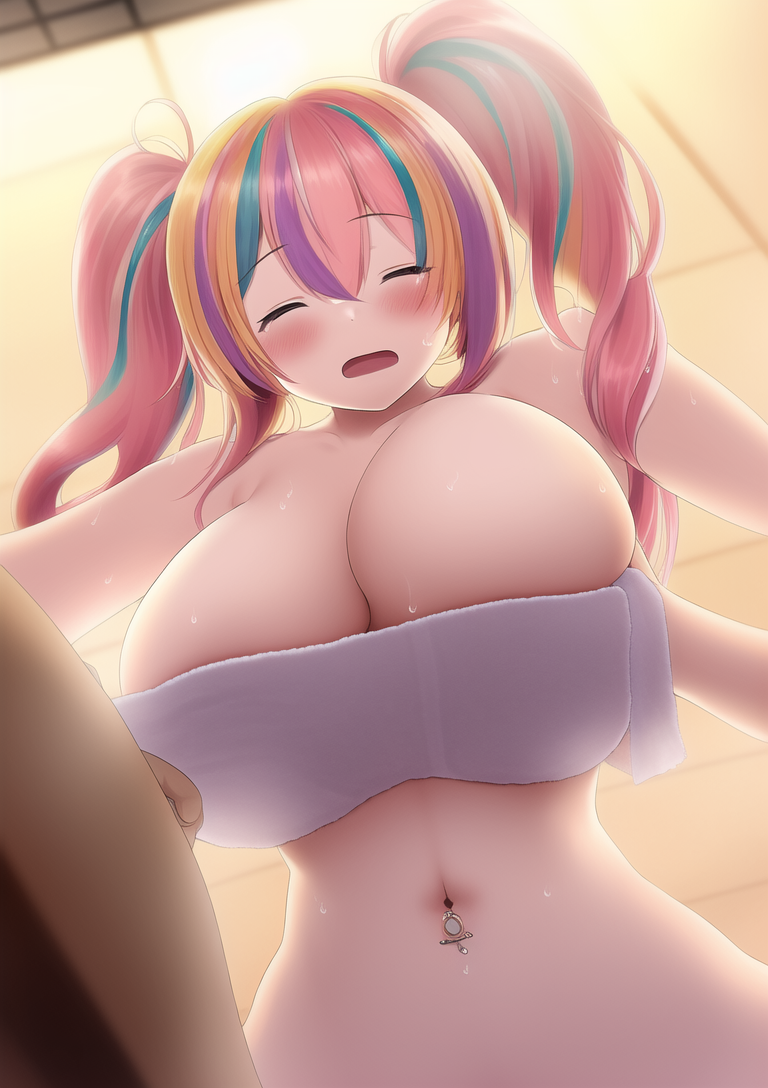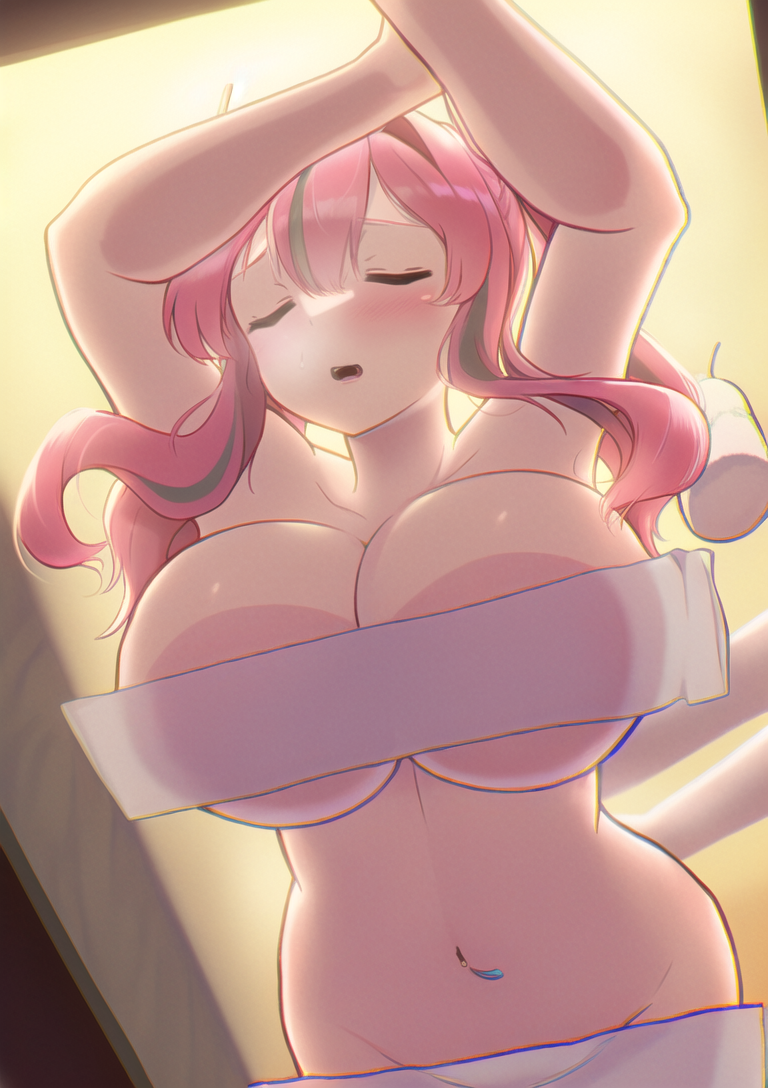
Hello, someone requested me an upscale today. You probably don't know but I'm a good upscaler. There is two reasons why I didn't upscale my AI render until today. The first is that I already mastered the classic render technology of Real-ESRGAN, the second one is that not all AI styles are good to be upscaled, I think my ghibli style is better in low resolution, but I will try on increasing it in the future.
In the past I did a lot of anime upscales. Unfortunally I don't know if I can post them here because of copyright issues, let me know if you would like me to talk more about it.
Anyway, because I was already used to upscale I was more interested into excercing with AI renders in the past weeks. So now that I am more familiar with both I thought I should try to combine them.
As a quick explanation for those who dont know what is the classic upscaling technology, it is a trained AI model (Real-ESRGAN) that is very high quality and will detect what is shown in an image to reconstruct it at higher resolution with AI trained from other similar images at higher res.
However today I tried to combine this technology and the AI stable diffusion that is able to do way more since it can make an image from prompts only and does not require an existing image.
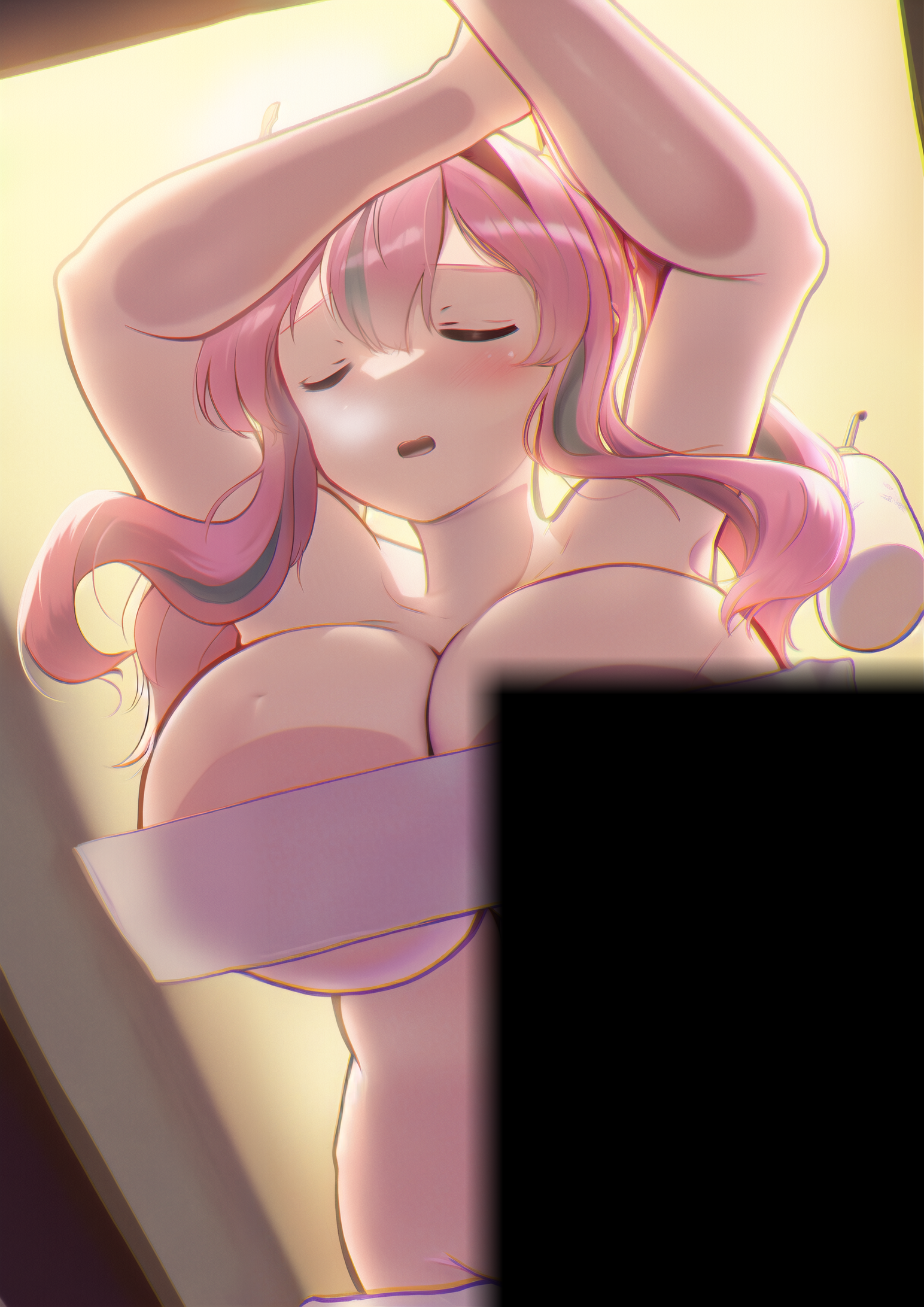
So, with the help of a python script called SD upscale I used both technology at the same time to upscale the request image of today.
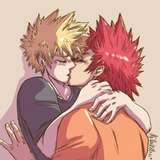
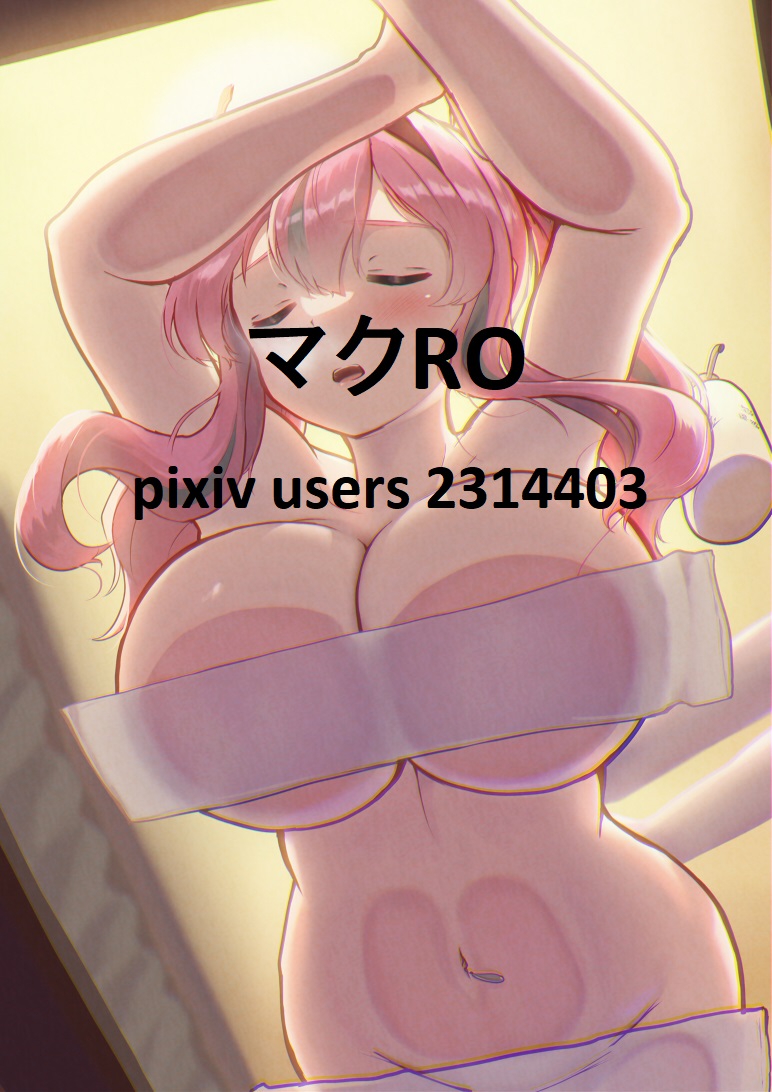
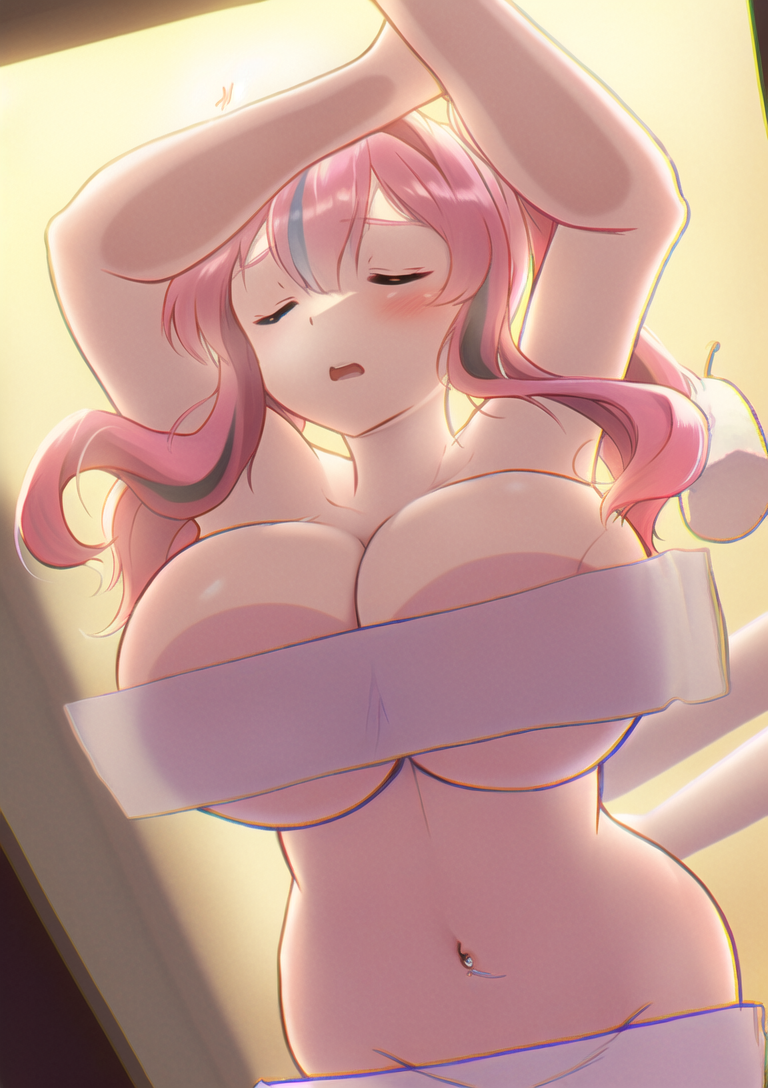
This is the original picture resolution, I edited the image to credit the original artist.
Now my first step was to make the prompts for it, fortunally the image had a danbooru page so I used each tag in it: https://danbooru.donmai.us/posts/5223615
Including the artist name for style and using NovelAI trained model I made a few txt2img renders.
It was only for experimenting with the prompts and different parameters since I was requested an upscale and not an AI full original image.
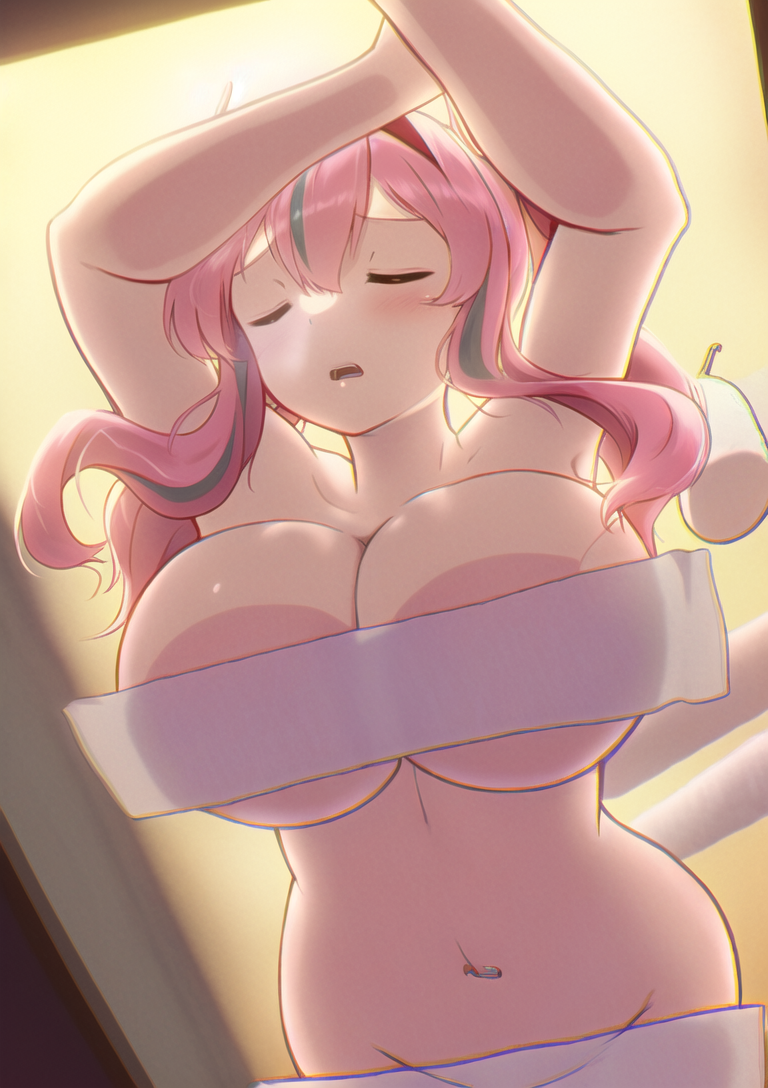
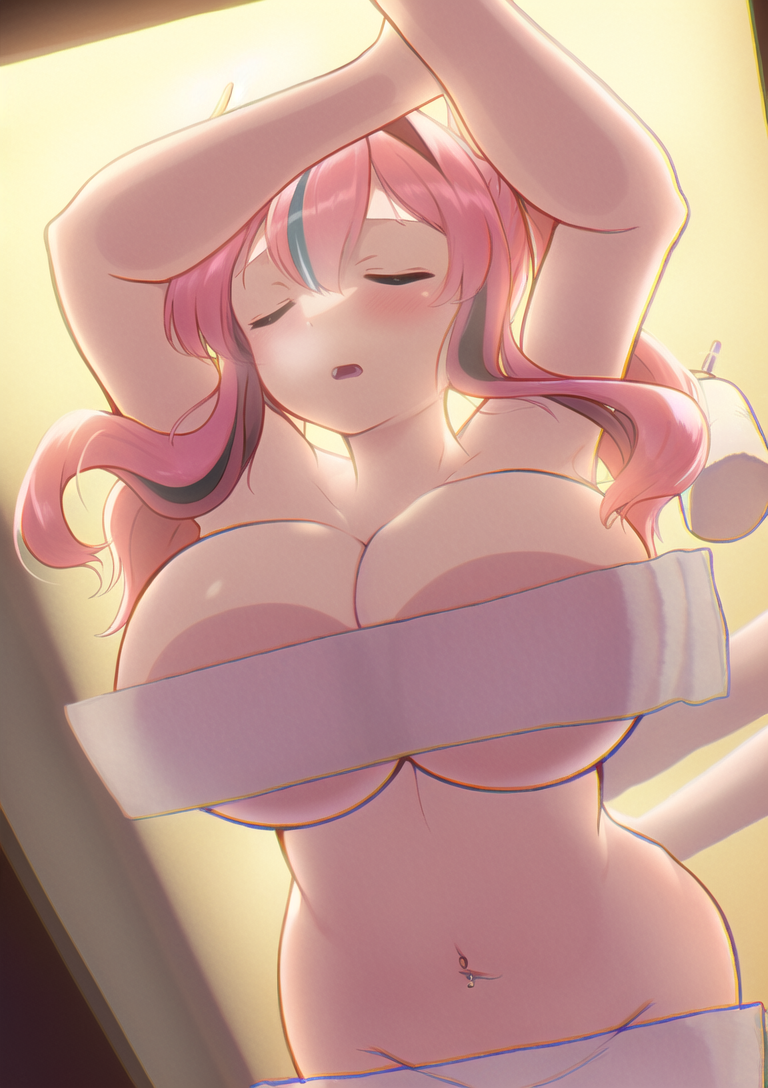
Then I used img2img to replicate similar images of the original one made by the artist to check if it it could correctly read it and if the art style was correct.
It had some bad anatomy due to the aspect ratio of the render which was not made with highres fix. It wasn't needed since those image aren't made to be used in the final render but only an experiment.
The denoising were high so the image was very different as expected but it helped check the accuracy of the other parameters.
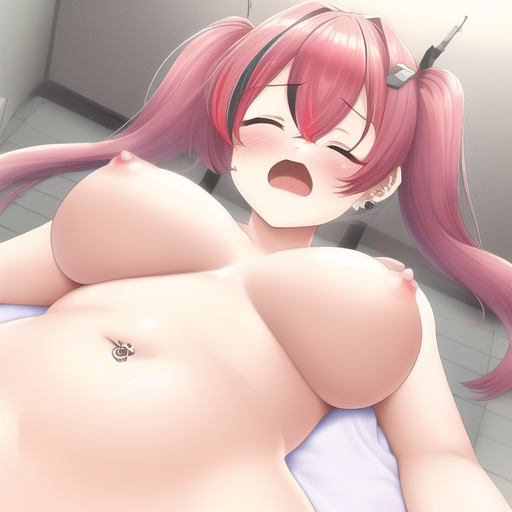
Then I rendered it again with lower denoising, producting an image closer to the original.
Keep in mind those images are at the scale 1:1, they are not upscaled yet but AI rendered from scratch with the original image as an help only.
As you see I rendered 4 of them to also experiment with the Seed.
The result was interesting, the seed variation focused on the navel and skin/hair texture.
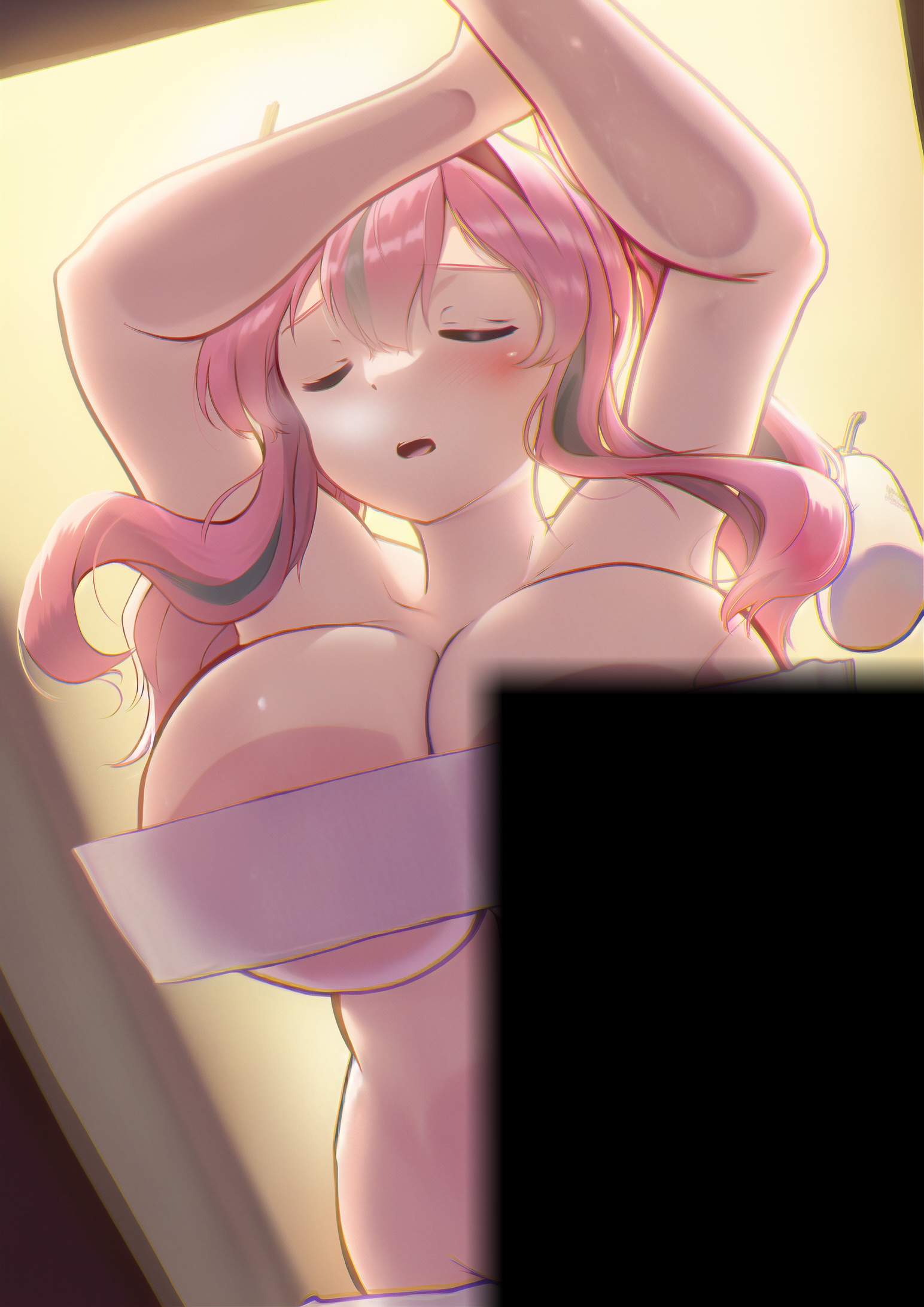
At this point I wished for the person who made the request to tell me which style he preferred. Then I repeated this step at higher resolution (x2) to proceed to the upscale.
Unfortunally I had an issue with a part of the upscale as you see, it is related to my GPU. I will fix it next time by adding different arguments in the AI to use my GPU differently.
However the result was still available for 3/4 ofd the image and it wasvery good.
It may be better anyway that my render is not a full success because if it rendered the whole image, I would feel very bad to post it in regard to the original artist.
Then let's conclude, I think while I have the prompts and a capable model I could upscale any images like that, probably even indefinetly ? I mean if the AI is able to fully redraw the image, then it should be able to draw it at any resolution ? My only limit is my GPU at that time, if I rendered the image at an even higher res (x4) it would take 20 minutes for my gpu to redrawn it.
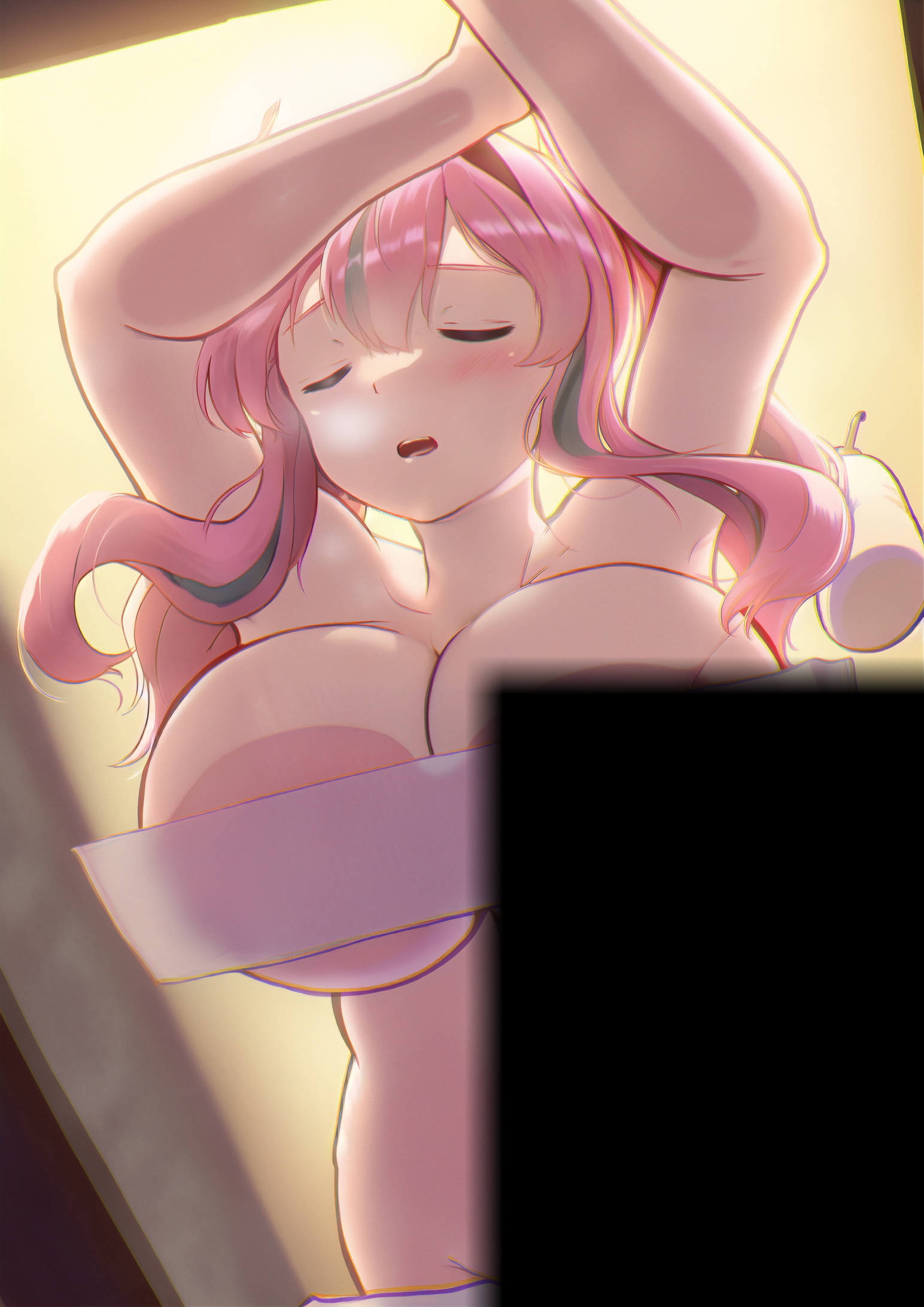
However I can still upscale this upscaled image with Real-ESRGAN from x2 to x8 easily.
So... I did, only for curiosity.
The original image at the start was a poor 700x1000 pixels image with jpg artefacts. Very compressed image. And the result now is absolutely stunning at 6200x8000. Feel free to zoom in to appreciate it.
As mentionned at the begining I am pretty familiar with the classic upscaling of Real-ESRGAN, and I can say that the best the input image is, the best the output will be. It is very weird for an upscaling technology to require an already high resolution image to upscale it at its best... But that's how it work.
And what is incredible is that the AI generation of image is actually capable of giving Real-ESRGAN a high quality input from even bad compressed images. Those two technology are complementing each other perfectly.
It is very interesting stuff I enjoyed to work on this Request.
If you are still here, thank you very much for reading, I hope you will enjoy my next posts and feel free to ask any question.