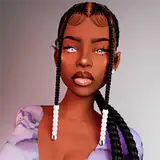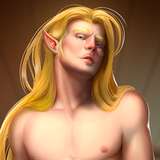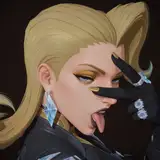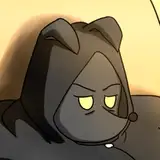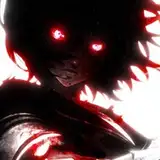
Here is a sequence of a recent painting I made! Hope you fin this useful.
I will reveal a little secret that makes the shadows pop a lot! Please keep in mind this was made in Adobe Photoshop. So lets get this started!
• First thing first, always make a back up of your sketch!
• Put your original sketch into "multiply mode".
• When you reach stage 3 or 4, use the back up sketch layer and put it into "color burn" mode.
• Within this very same layer, go to filters, gaussian blur, and put it into 30%.
• And voilá! You can adjust the hue or saturation to make it colder or warmer, depending on your liking.