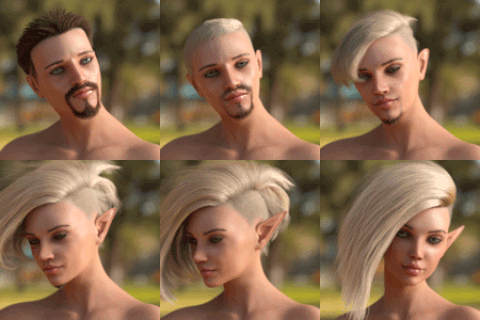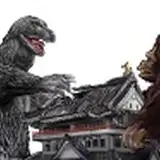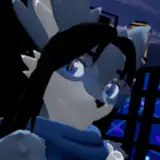
Extract these images in any folder you can easily find. Then download DeoVR video player on steam DeoVR Video Player on Steam (steampowered.com) it's free. Once open on the bottom of DeoVr you will see a folder icon (local files). click on it and browse to the directory you saved the images in.
You should be able to view these files on any image viewer, note if the files do not appear to be aligned then just reverse the left and right images. Whirligig for example needs this toggle otherwise images look weird.
VRWanderer
2022-02-07 10:55:58 +0000 UTCNiko3DX
2022-02-07 00:53:46 +0000 UTCVRWanderer
2022-02-06 23:42:13 +0000 UTCNiko3DX
2022-02-05 15:18:22 +0000 UTCNiko3DX
2022-02-05 15:16:57 +0000 UTCStarling
2022-02-05 05:43:24 +0000 UTCVRWanderer
2022-02-04 19:57:54 +0000 UTCNiko3DX
2022-02-04 19:53:15 +0000 UTCHarris Sirrah
2022-02-04 19:10:25 +0000 UTC