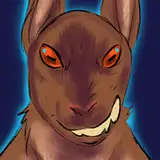
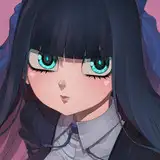
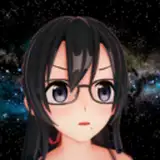
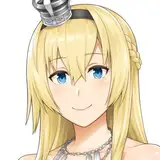
![VRC Action Wheel Icon Render Project [Blender]](https://img5.samsuka.com/storage/10/zq/yu/c6f9d9-019e833c-328d-707f-bc67-f9aaaafa5df9.png)
Is your VRChat Avatar's action wheel a mess?
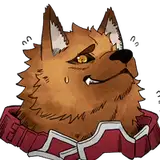
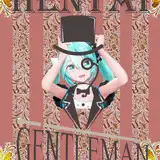
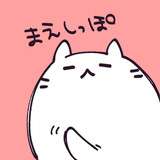
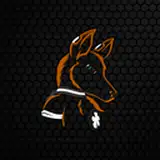
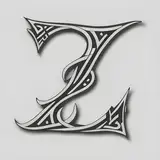
Fear no longer - Easily generate stylized action wheel icons for the toggles in your action wheel!
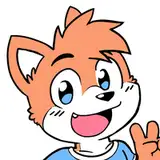
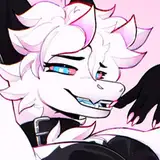
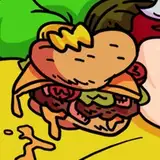
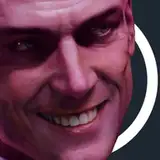
With this Blender project you can quickly turn your 3D assets into authentic looking VRChat action wheel icons by simply rendering them!
TOS
Last update: 22/09/2023 - 00:59
Blender files
If you have any questions, suggestions or simply would like to reach out, feel free to reach out to me on Discord, and if you're satisfied with your purchase, please leave a rating. It's very much so appreciated!~ 🧡

Download VRChat Action Wheel Icon Render Project.blend
Open the project.
Import your FBX OR Import the model from another Blender project (File > append/link).
[optional] Select your mesh & apply the included silhouette material to your prop/avatar.
(This option gives you a clearer contrasted visual of what you're render will look like!)
Select a camera collection and pose your camera in your desired position/angle.
Press F12 to make your render.
In the rendered view click on the Image tab from the header and then select "save image as..".
Select a location to save your new render!
Congratulations! You have your Action wheel icon render!
Disclaimer:
Timezone for changelog updates is GMT+1.
Initial release