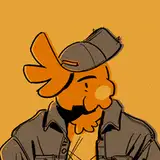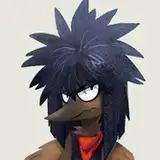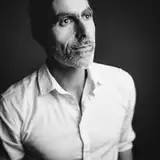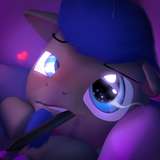
Attached below is the raw Photoshop file for the image!
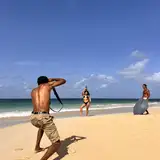
The background isn't broken up into as many layers as usual, as I wanted to try something new with photo manipulation that DJ showed me. I found a picture that had the rough layout and color palette for what I wanted, and slapped it in there behind him. I painted over the image to remove a few elements I didn't want and make it less photo realistic. I blurred it to make Avery the main focus and then fiddled with the color levels to make it pop. Let me know what you think of the new technique.