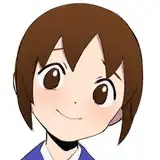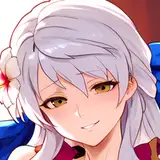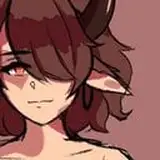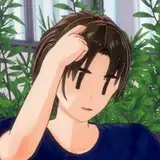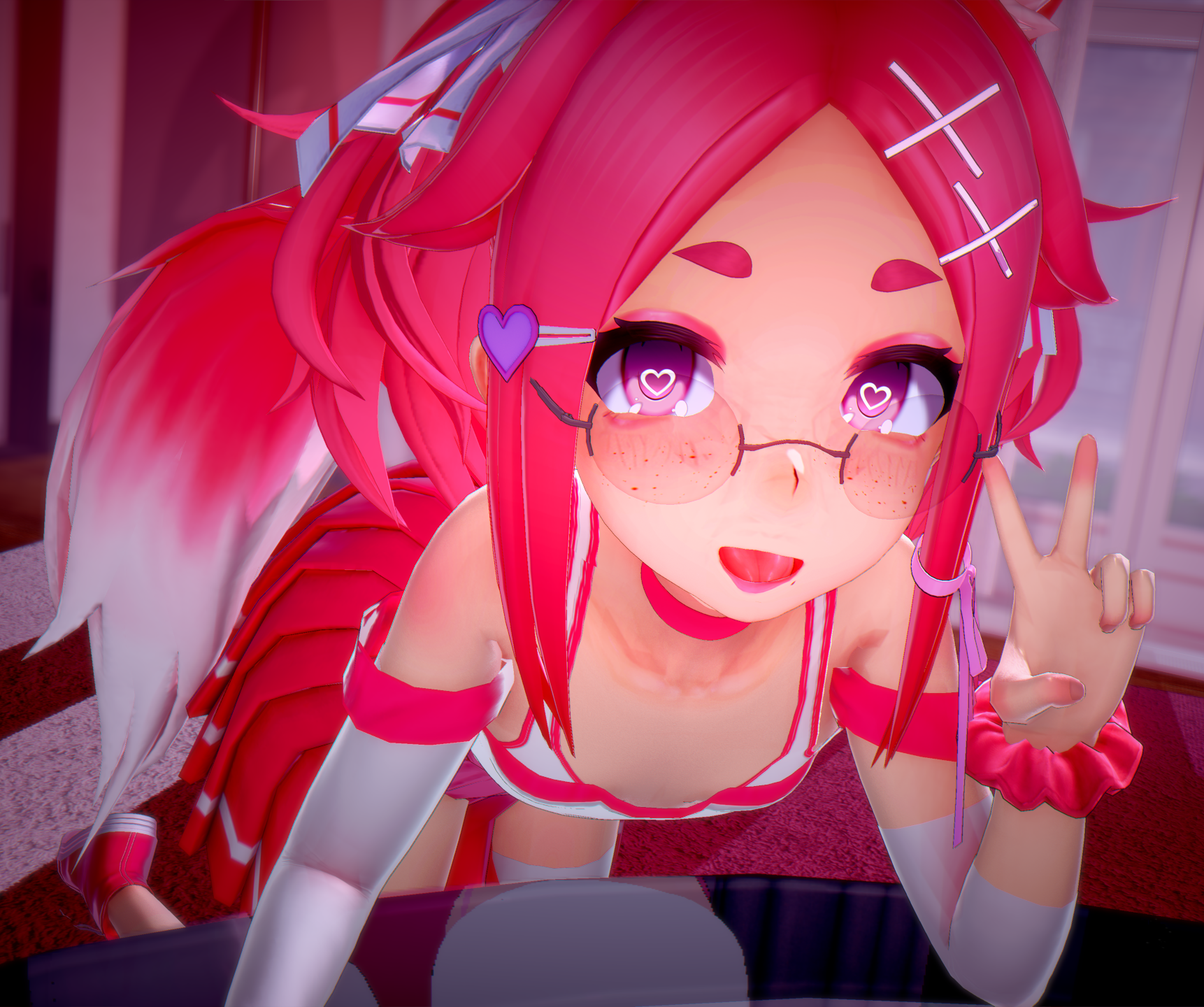
We reached 2 000 Followers! Thank you so much! I brought to you a short animation in appreciation for reaching this milestone ε(´。•᎑•`)っ 💕 Still, it is hard for me to believe the appreciation to my work, I still have a long way to master my skills so I will keep improving to thank you enough! ⸜(。˃ ᵕ ˂ )⸝♡
2,000フォロワーを達成しました!本当にありがとうございます!この節目に感謝の気持ちを込めて、ショートアニメーションをお届けします。ε(´。•᎑•`)っ 💕 それでも、自分の仕事を評価してくださるなんて、自分でも信じられません。まだまだ技術を習得する道は長いので、十分なお礼ができるよう、これからも向上していきたいと思います!⸜(。˃ ᵕ ˂ )⸝♡
● KKUS Shaders | [nHaruka] KKUSS
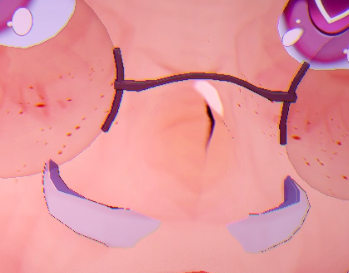
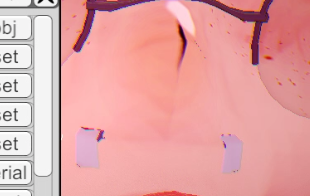
Once you change your character, the teeth may look like image.
キャラクターを変えると、歯はイメージのように見えるかもしれない。
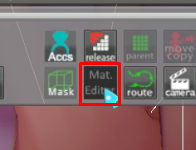
To fix that, you need to select your character before open the Material Editor window
この問題を解決するには、"Material Editor "ウィンドウを開く前に、キャラクターを選択する必要があります。
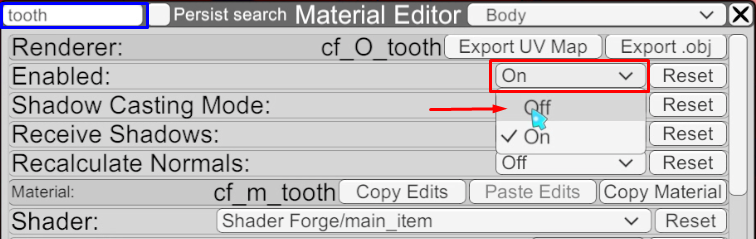
In the [Material Editor] window, search for "Tooth" and disable the object
"Material Editor" ウィンドウで "Tooth "を検索し、オブジェクトを無効にする。
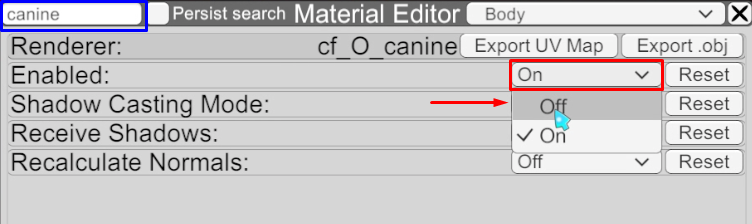
If your character has fangs you will need to do the same step with the word "Canine"
あなたのキャラクターに牙がある場合は、同じステップを "Canine "という単語で行う必要があります。
Your character it is now fixed!
あなたのキャラクターは修正されました!
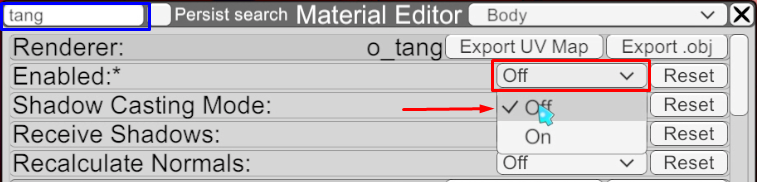
This alone should not cause any problems, but if it does, you can search for "Tang" and disable that object.
これだけで問題はないはずだが、もしそうであれば、"Tang "を検索して、そのオブジェクトを無効にすることができる。
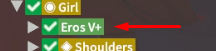
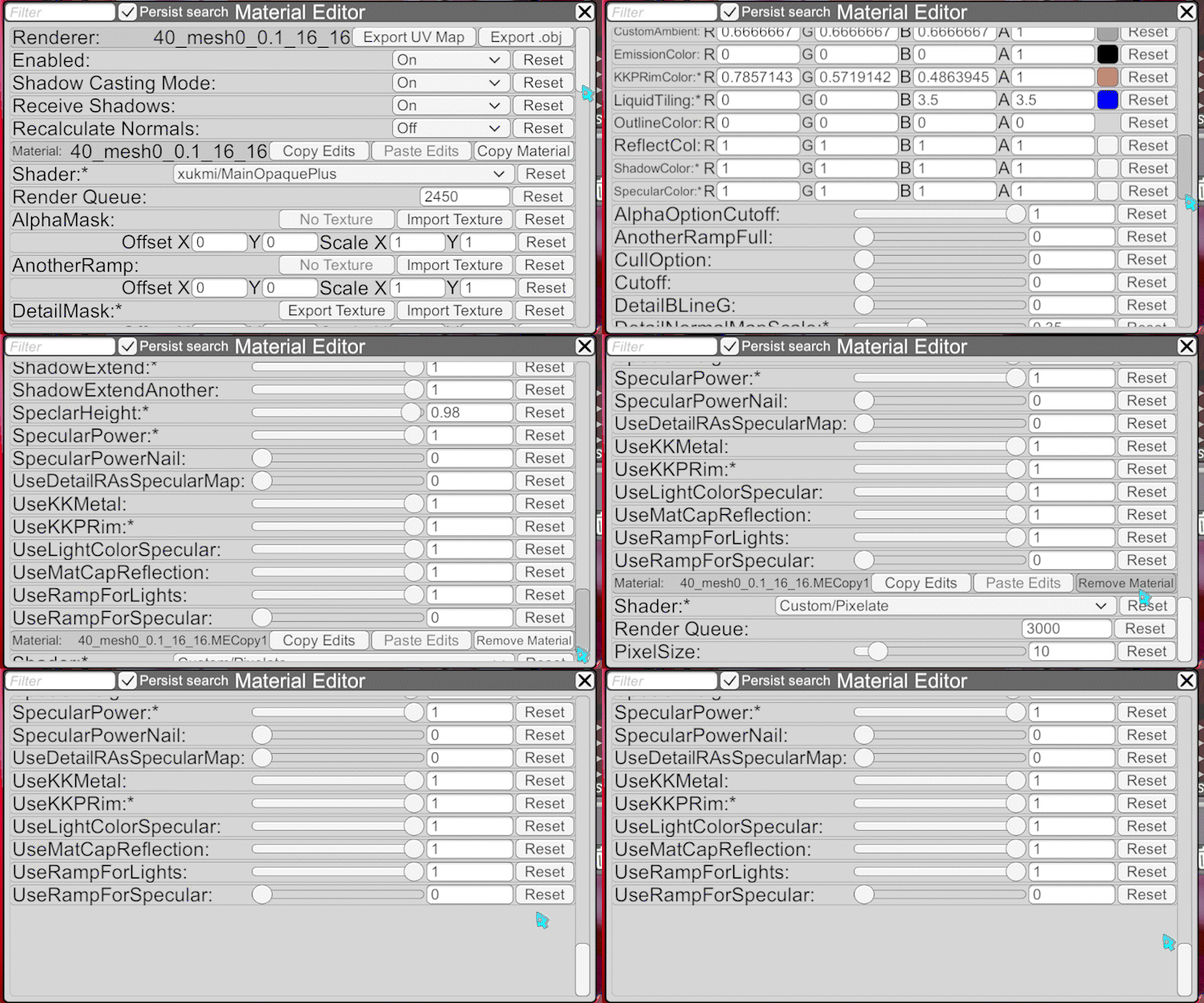
Open "Material Editor" window for "Penis-advice" and remove material
Penis-advice" の "Material Editor" ウィンドウを開き、素材を削除する。
That should be it (˶ᵔ ᵕ ᵔ˶)
そのはずだ (˶ᵔ ᵕ ᵔ˶)
Luck-Love
2025-02-23 14:32:25 +0000 UTC