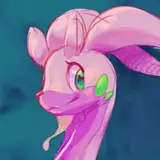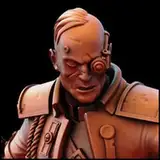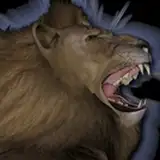
There was a little bit of interest in knowing more about my process. So as an example, here's how I break down my image into layers for postwork.
Image 1 - final post worked image
Image 2 - I usually render a few low res angles of the full scene to dial in lighting, posing and to find the angle I like best
Image 3 - Remove main figures from the shot and render the background. I do this because I usually like to blur the background independent of the figures. In this case, I wound up using a circle motion blur for the background and a linear motion blur for the figures.
Image 4 - Add figures back into the scene and render the main figures using Iray canvas' Save it as a PNG with alpha so you can layer nicely in GIMP. Often it's enough to stop here, but with camera angle and the foot making flush contact, I felt I needed more control over each individuals' motion blur.
Images 5 and 6 - Render Individual figures
From here, it's all about layering things in GIMP, blurring, adding flares for impact.
I'll be posting a second scene of these fighters tonight or tomorrow for Paragon Patrons.
Devduck01
2021-04-17 07:41:31 +0000 UTC