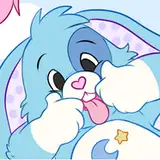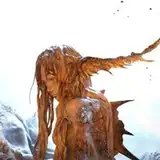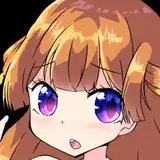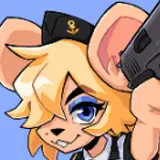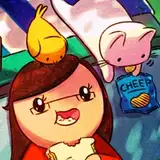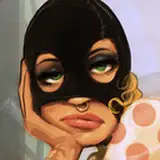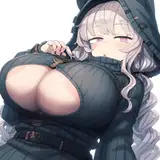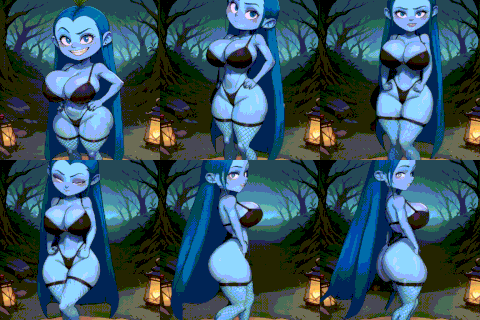
This avatar is ready to upload to VRChat or as a VTuber avatar for streaming! It's super easy to use and comes with tons of in-game customization, tutorials and editor files. I also have an awesome discord community where you can ask questions, commission recolors and edits, and hang out!
You can test out this avatar in FurHub in VRChat!
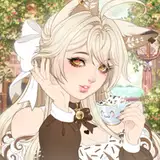
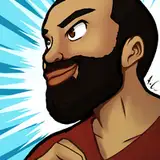
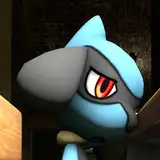
Upload TutorialRecolor TutorialDiscordThese are awesome community-made edits, some using assets and textures that are not included in the package
Check out the 3D model here:
Sketchfab ViewerThe complete version adds:
If you have already purchased the avatar and would like to upgrade to the complete version, please message me (julia.winterpaw@gmail.com)
Yes! It comes with tons of in and out of game customization allowing you to look completely unique from others with the same avatar. I also provide tutorials for this avatar on how to make your own textures for it to match your sona.
This pack comes with four clothing options and are all set up to be added with just a few clicks!
What you get:
Each clothing piece is set up to work with all the in and out of game body adjustments!
-Publicly upload this avatar, as long as it is credited
-Use my models in VRChat and set it up for other games such as Beatsaber, NeosVR, Chillout VR, etc.
-Use these avatars for streaming, YouTube videos, etc. including monetized videos
-Edit this model in any way you like for your personal use.
-Sell texture/edit commissions on the avatar. Both you and the client must own the avatar.
-Resell or redistribute the avatar or any of the download contents, either directly or as part of another package
Thank you so much for your support!!
If you run into any issues with the avatar or you need any help getting it uploaded, don't hesitate to message me on my discord (discord.gg/56wT3Zq) or send me an email at julia.winterpaw@gmail.com
And if you like the avatar please remember to give it a rating ^.^
Upload Tutorial: https://youtu.be/qm-X79mPubQ
Thank you so much for your purchase! I've made several tutorials you can check out to make customizing and uploading your avatar easier. If you need help please feel free to reach out :)
Email: julia.winterpaw@gmail.com
Twitter: @juliawinterpaw
Discord: discord.gg/winterpaw
Use these files for creating your own custom texture! You can choose between two options - texturing on a 3D model using Adobe Substance Painter or texturing using an image in a program like Photoshop. You will need to do this before you upload your avatar.
VRChat: If you are uploading for both PC and Quest, use the PC recolor file. You can convert your body texture to be Quest compatible using the "Quest Body Texture Transfer" file.
VTuber/Other: Use the PC recolor files :)
Use Photoshop or any free alternative, such as Gimp.
Pick any body base that you would like to start with:
Convert either your PC or Quest textures into a fallback texture. Due to the constraints of fallback avatars, you will need to merge all of your textures into one large texture. You can use this file here to do so:
These files are for more advanced users to make larger edits to the avatar.
Use this to get a verified role in the Winterpaw discord server! You'll get access to a channel where you can share this avatar's files freely with other users who have also purchased the avatar. Instructions are in the #verify channel
Email: julia.winterpaw@gmail.com
Twitter: @juliawinterpaw
Discord: discord.gg/winterpaw