Hello again. Today I found out this really insightful video (proof) of something I've been doing for years in 3D using Blender and stylizing models: I cut parts off the model.
Why is this a good practice?
Depending on the case you'd want to LIMIT how a shader (in game or in animation) will light the surface of the mesh. Sometimes it is really necessary to "cut off" light, by simply separating the mesh itself from the surrounding parts. Since the surface is not continuous, a harsh difference between the surface and the shadow section will be represented clean and clear.
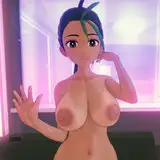
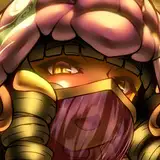
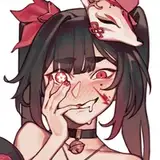
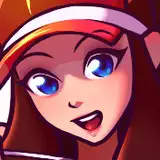
In the Guilty Gear series, we saw cut edges with Elphelt and GGStrive with Jovanna's animation videos.
In the past, a lot of people have been asking me about a true (game to blender) 1 to 1 shader. I recreated a TOON shader in this video, but not the GENSHIN (game) shader itself. Why? As you can see it is more than just the shader, and it implies you need to tune the normals from the sections you want to affect (as shown in the above video) from the face and other places like hair, weapons, etc...
The video above, demostrates that real IN-GAME STYLIZED models are broken in different pieces for explicit shading/shadowing/lighting surfaces. It's the best approach we can see of a WORKING STYLIZED MODEL IN GAME.
In addition, don't forget your stylized toon shading in BLENDER should work correctly when you have:
1. Correct Topology (and sections)
2. Correct Vertex paint and masking
3. Correct Normal editing
4. Correct Shading.
A combination of all of the above makes a great stylized shader in BLENDER.
I see that a lot of people want the same Blender shader to work in Unreal or Unity, but those game engines have their own caveats to shading programming and their own challenges in their own environments and shader nodes.
If you have any questions, please let me know in the comment section below. Thanks!
-Pierre.