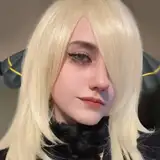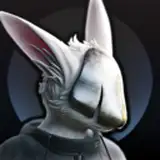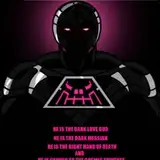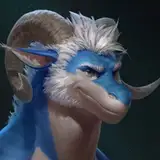
Hey guys! So here's a follow up to the last post with the video tutorial on how to do the colourful highlights. I've made some slides that have the process written down, in case you prefer that over the video. (Also included what the bust looks like once painted as the first picture)
Also, because I'd gotten a few followups about the technique on other apps that don't have the chromatic aberration option available, I've also put in a slide that shows an alternate way to get a very similar look, using different coloured overlay layers, which have then been offset individually. I'd imagine if you play around with the brightness or opacity of the layers, you could end up with a very similar look, it would just depend on how much you want to play around with it! So yeah, experiment and have fun!!
Hope this helps a bit! Thanks again, and Enjoy! 😊👍
Taran
2024-08-17 17:58:04 +0000 UTCJack
2024-08-17 17:29:10 +0000 UTCHariken
2024-08-17 05:36:23 +0000 UTCKΛЯΛ-KЦЯΛ
2024-08-17 05:09:22 +0000 UTCzankies87
2024-08-17 01:26:39 +0000 UTC