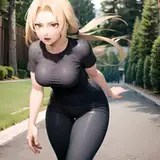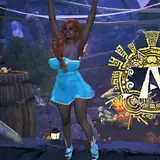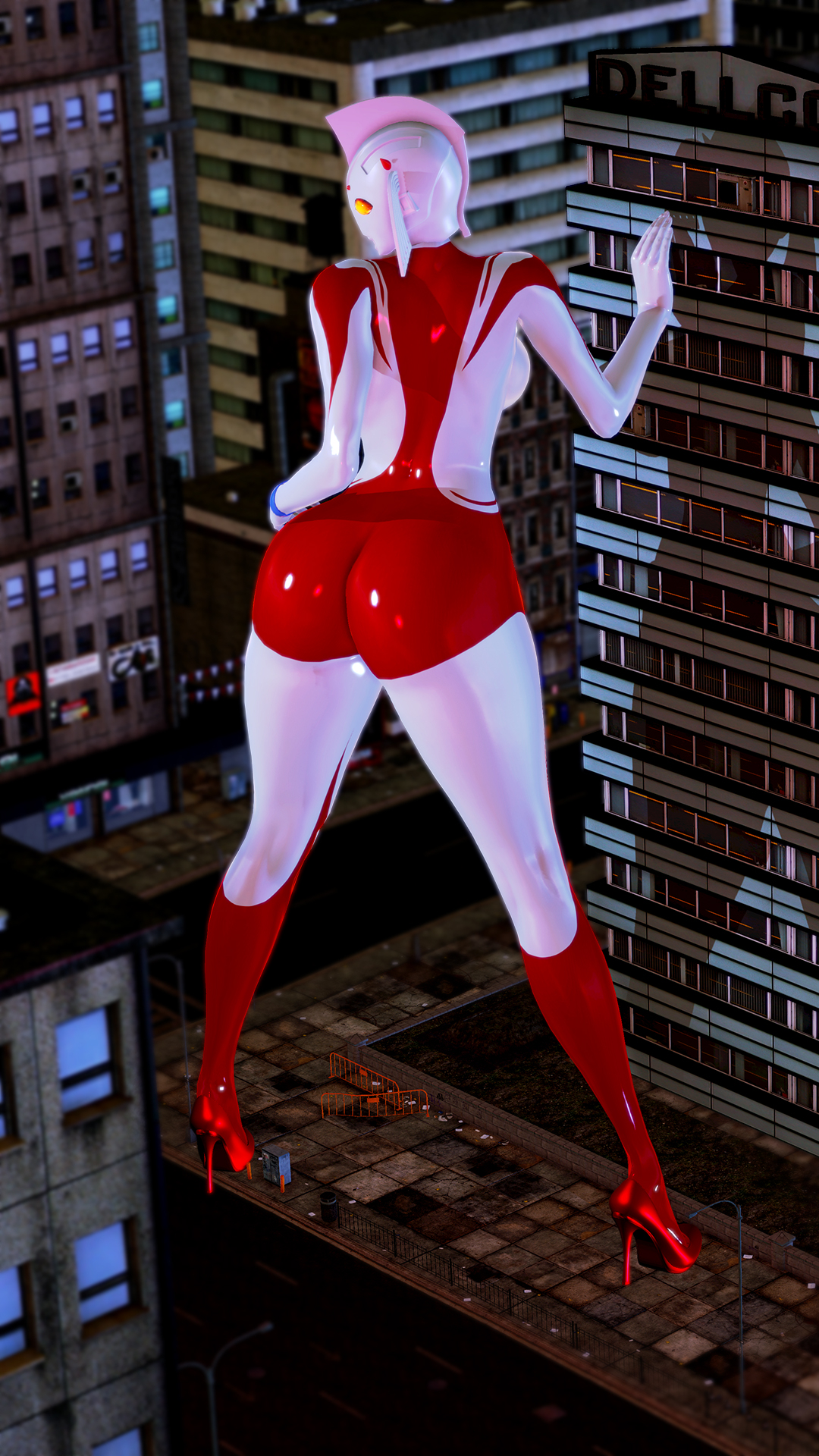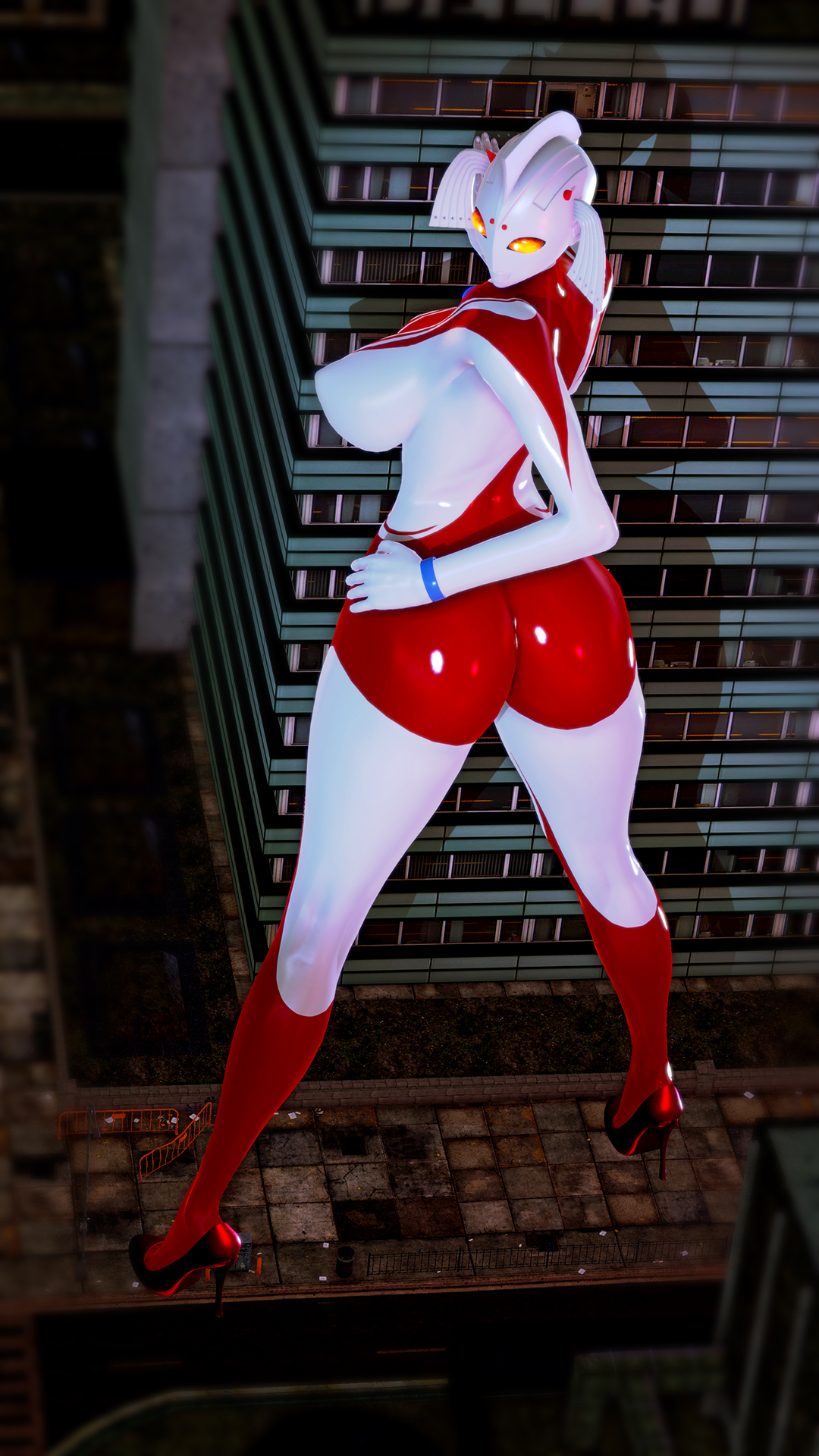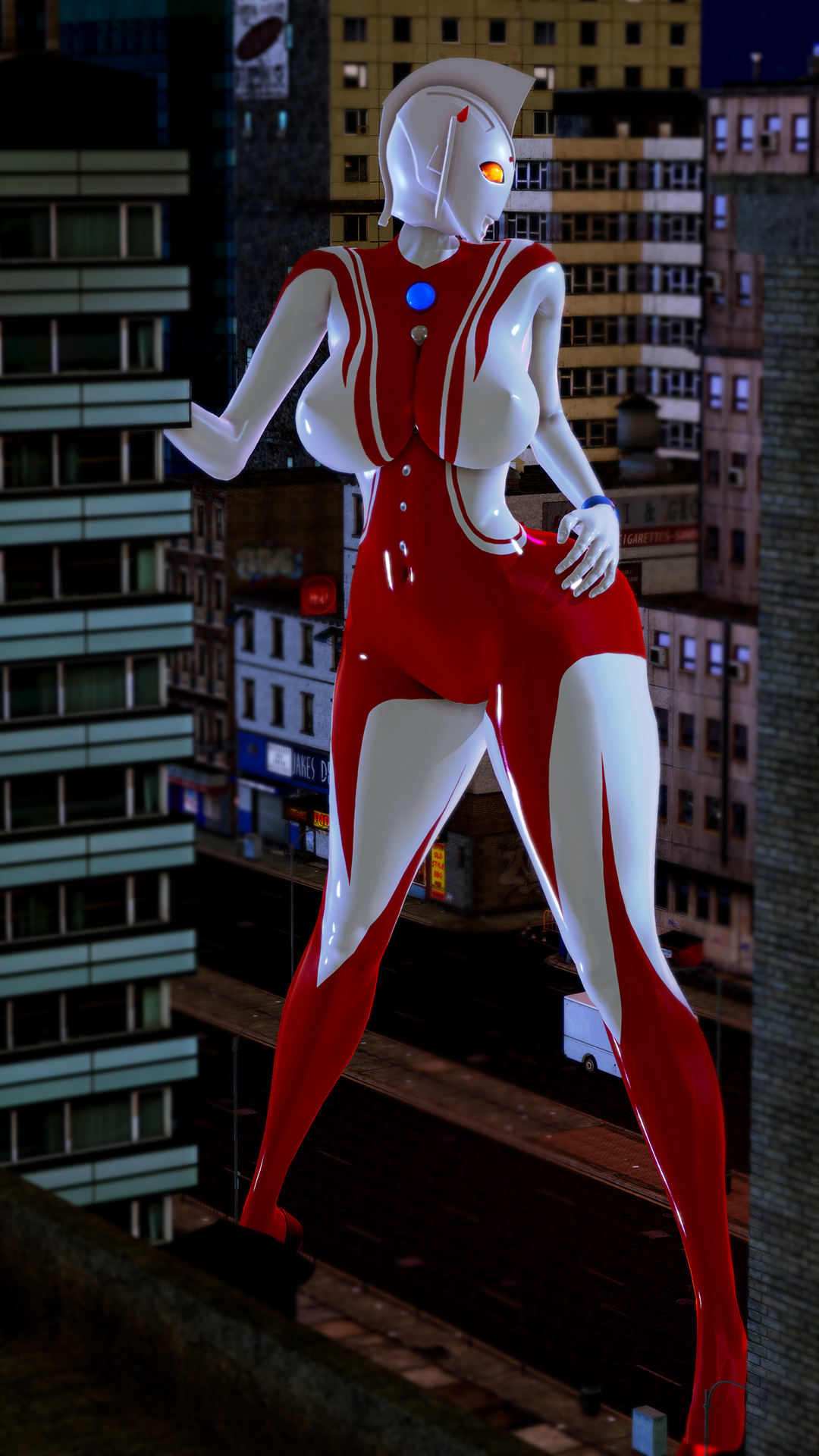
私が普段ウルトラマン関係のシリーズを撮る時のライティングについてお話します
参考にしてみて下さい
[requirement]
HS_StudioNEOAddon_v0.9.2
http://www.mediafire.com/file/1eb1x84tt6euy99/HS_StudioNEOAddon_v0.9.2.rar/file
LightingEditor
RendererEditor
FogEditor
https://joan6694.bitbucket.io/
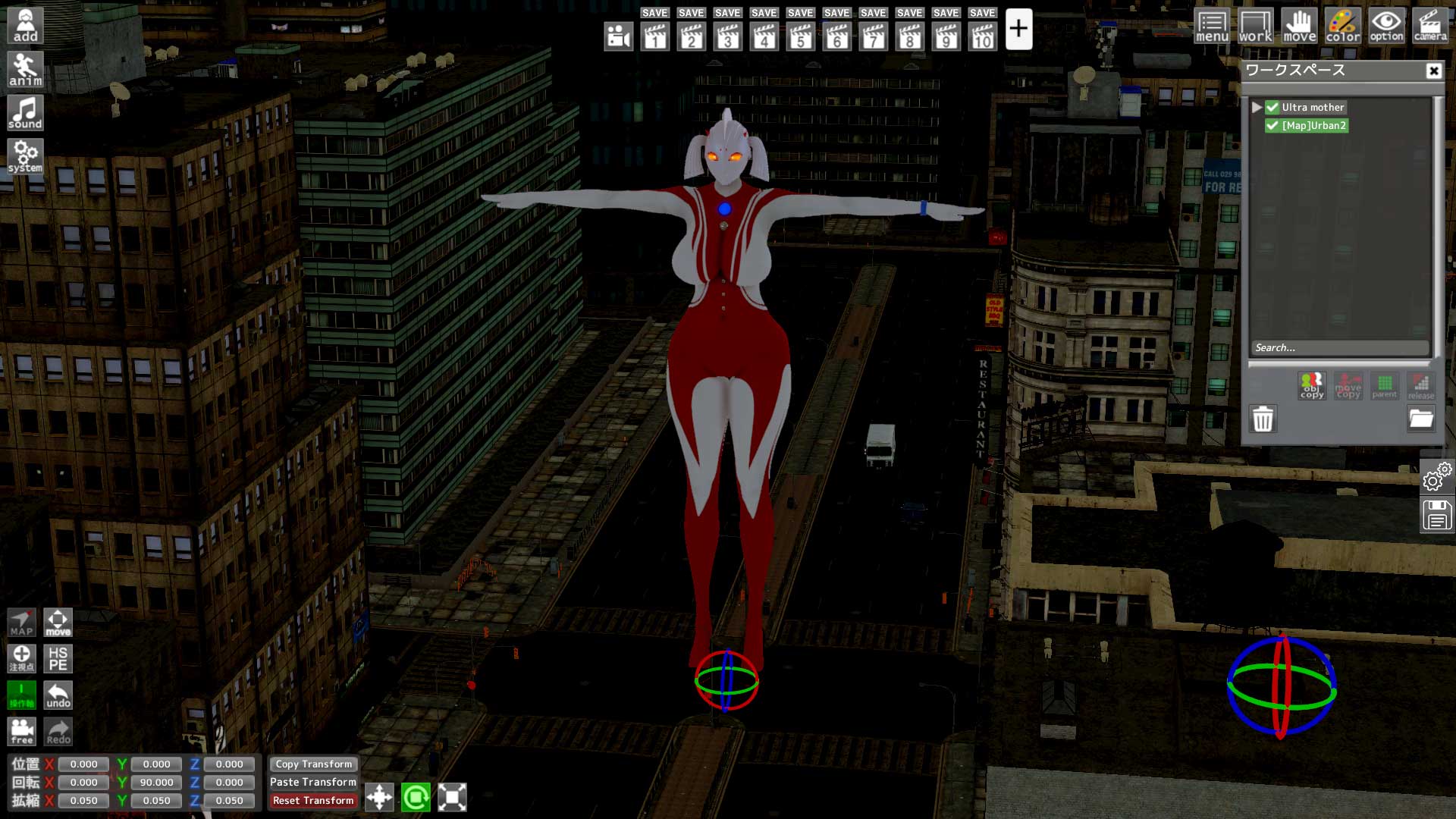
1.読み込みました
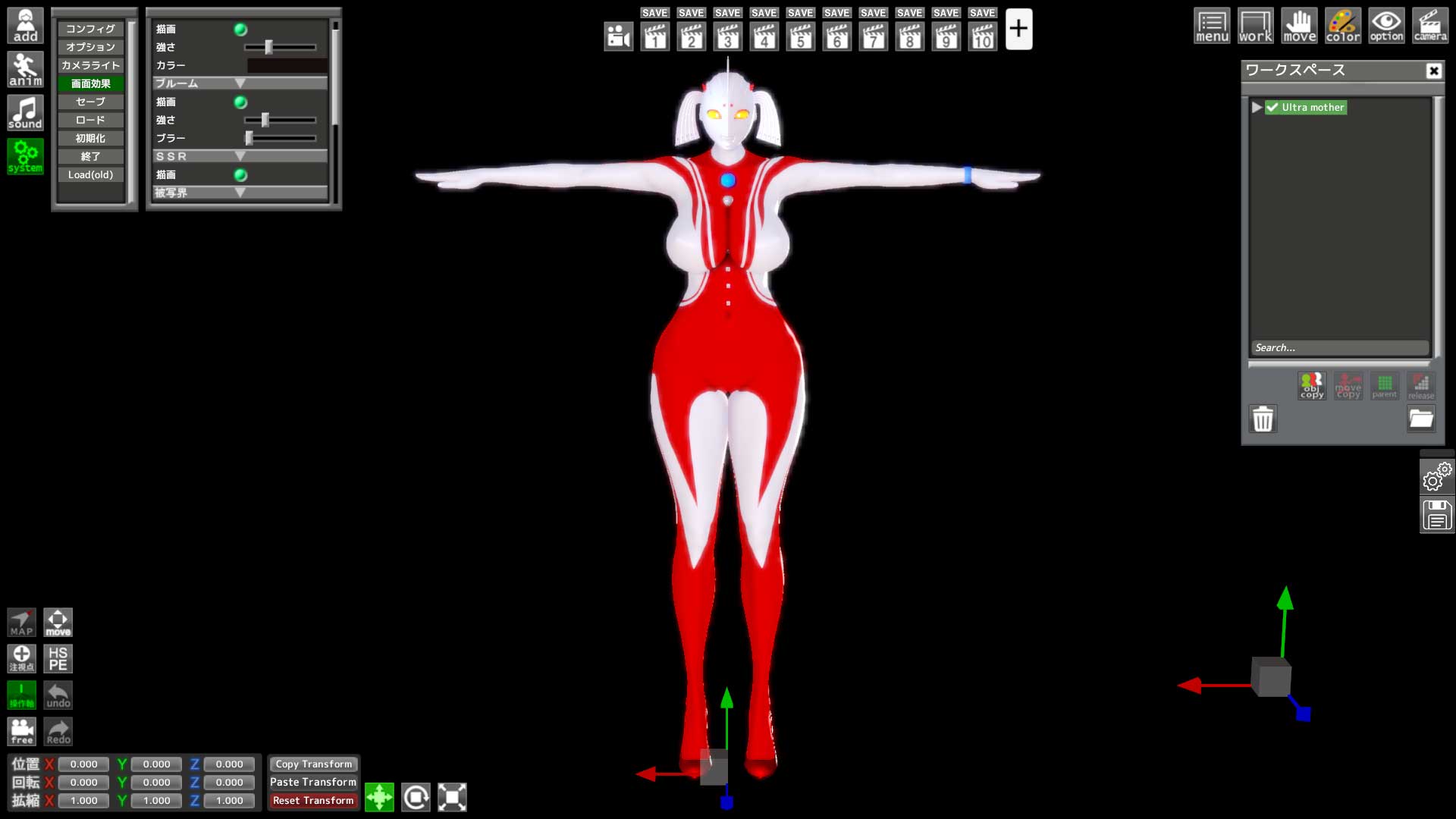
2.ブラーを0、ビネットを切ります blur to 0, vignetting off
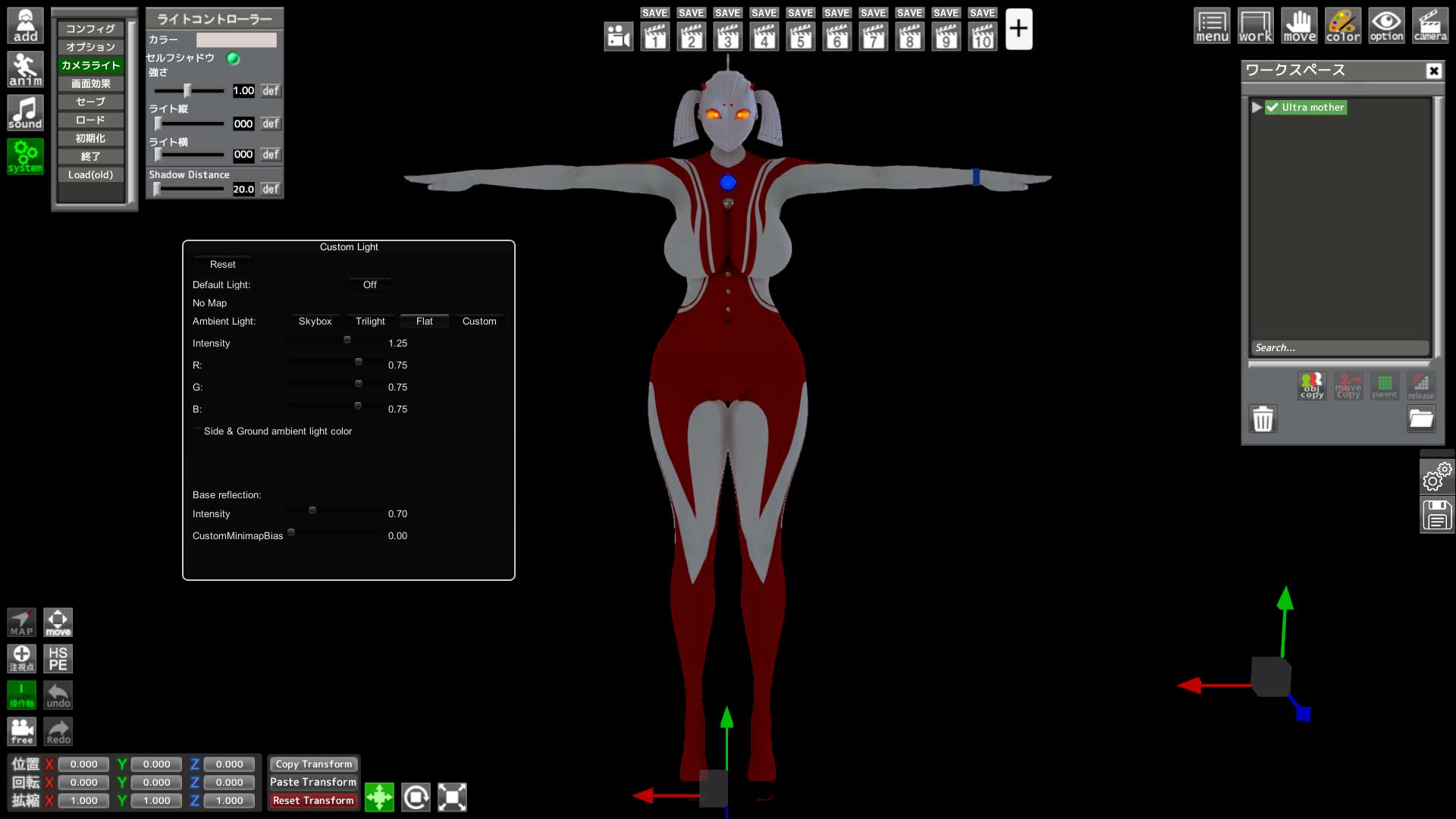
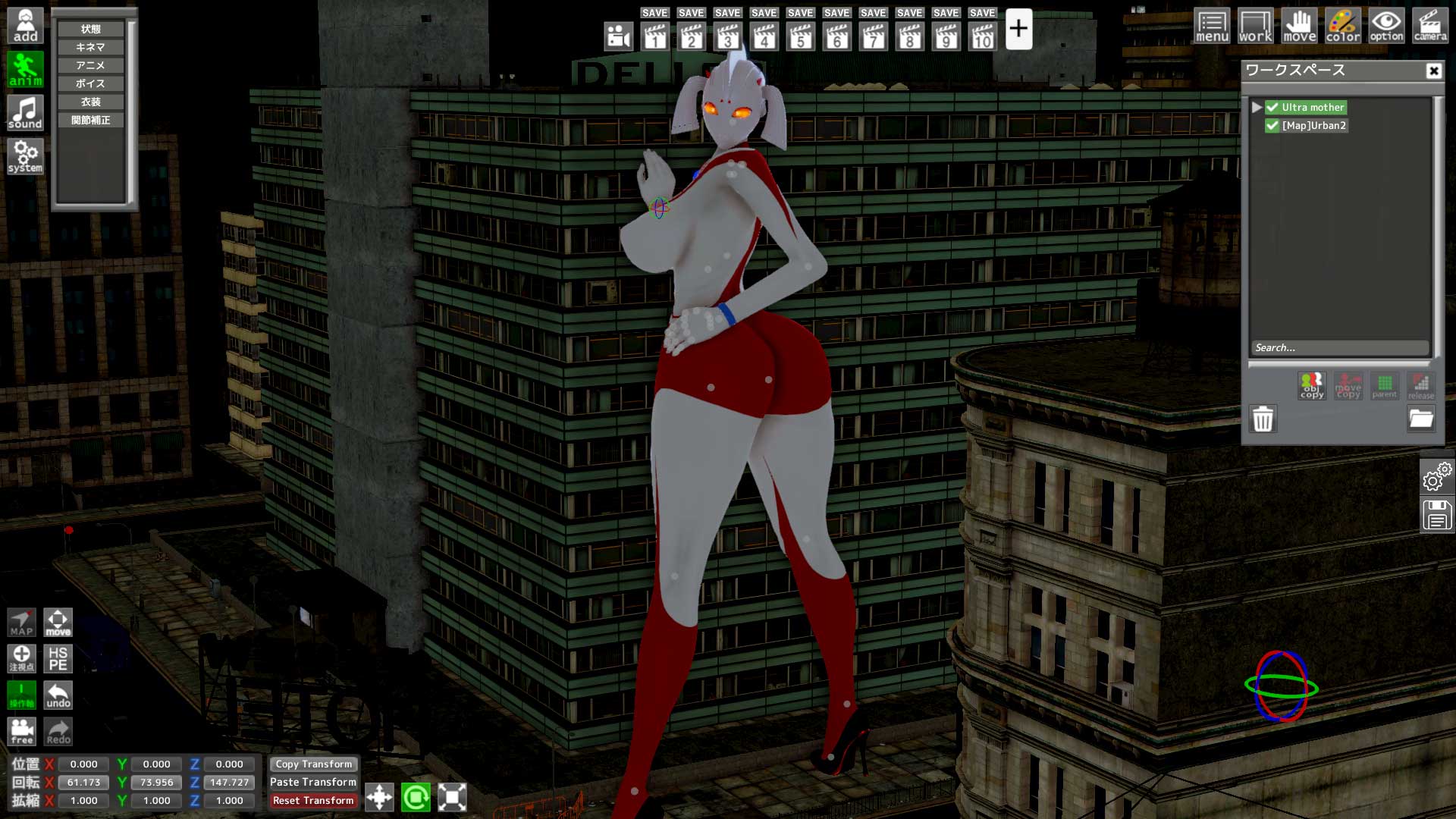
3.system > カメラライト/camera light(HS_StudioNEOAddonが必要)
Default light:off
Ambient light:flat
intensity/RGBをお好みで
change intensity/RGB as you like
4.配置します ([map]Urban2 by Korama)
5.ポーズを取ります make her posing
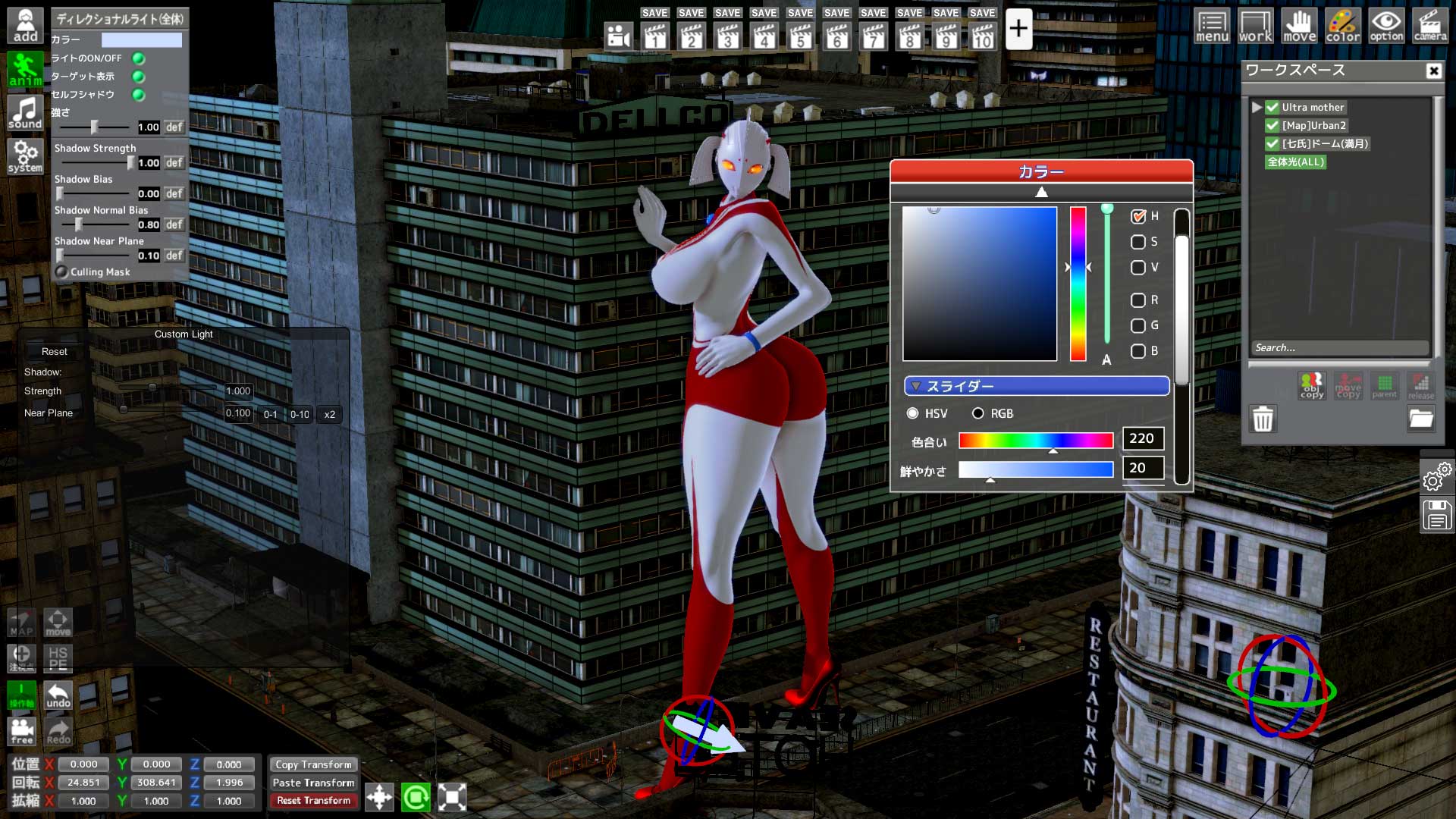
6.夜なので青めの全体光を配置
blue directional light since it's night scene
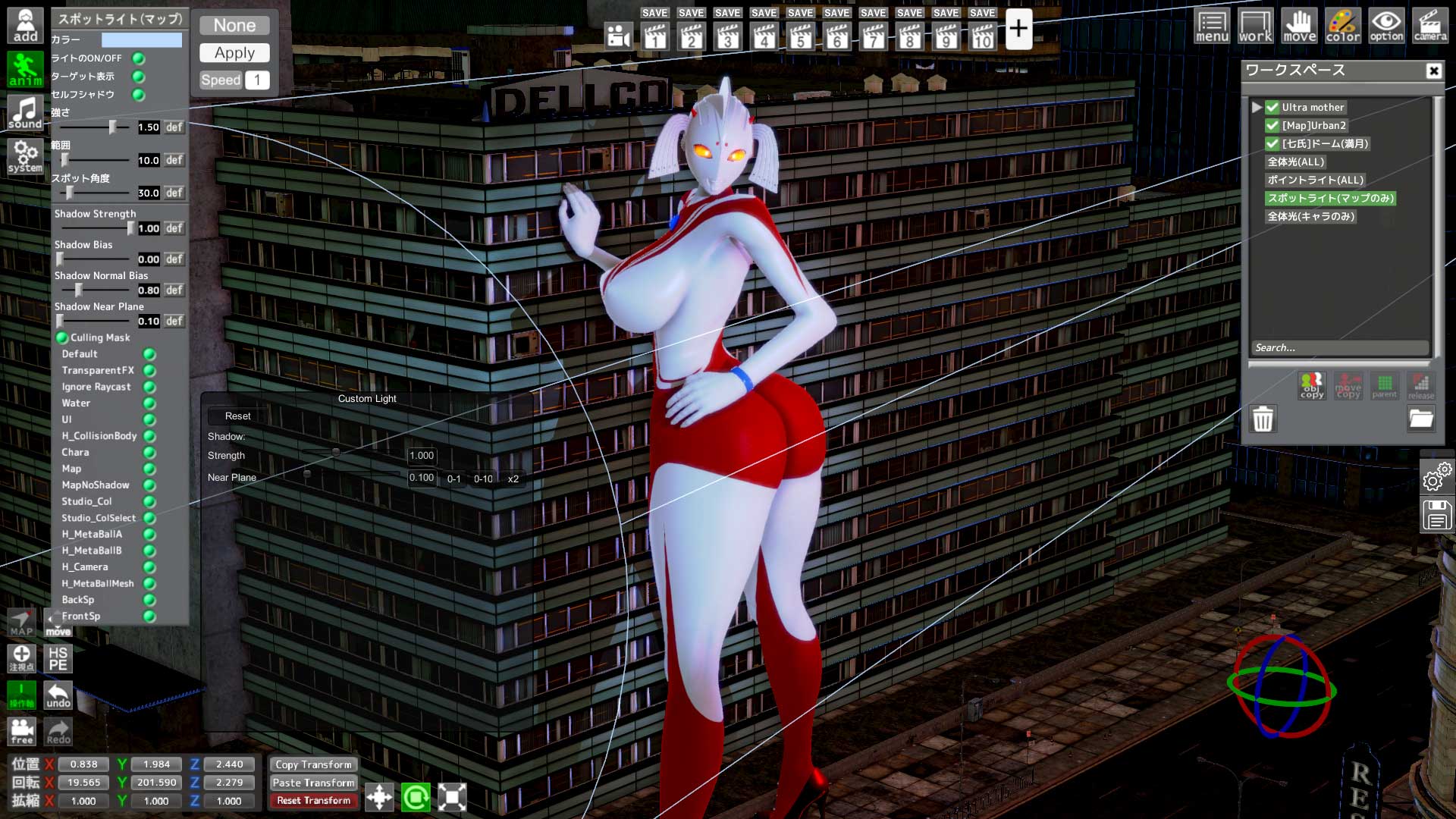
7.様々なライトを配して雰囲気を作ります
地面からの反射光を置いたり、ポイントライトで炎や電灯の光を表現したり
サーチライトのような効果が欲しい時はスポットライト等色々試してみましょう
put reflective light/point light/spot light etc
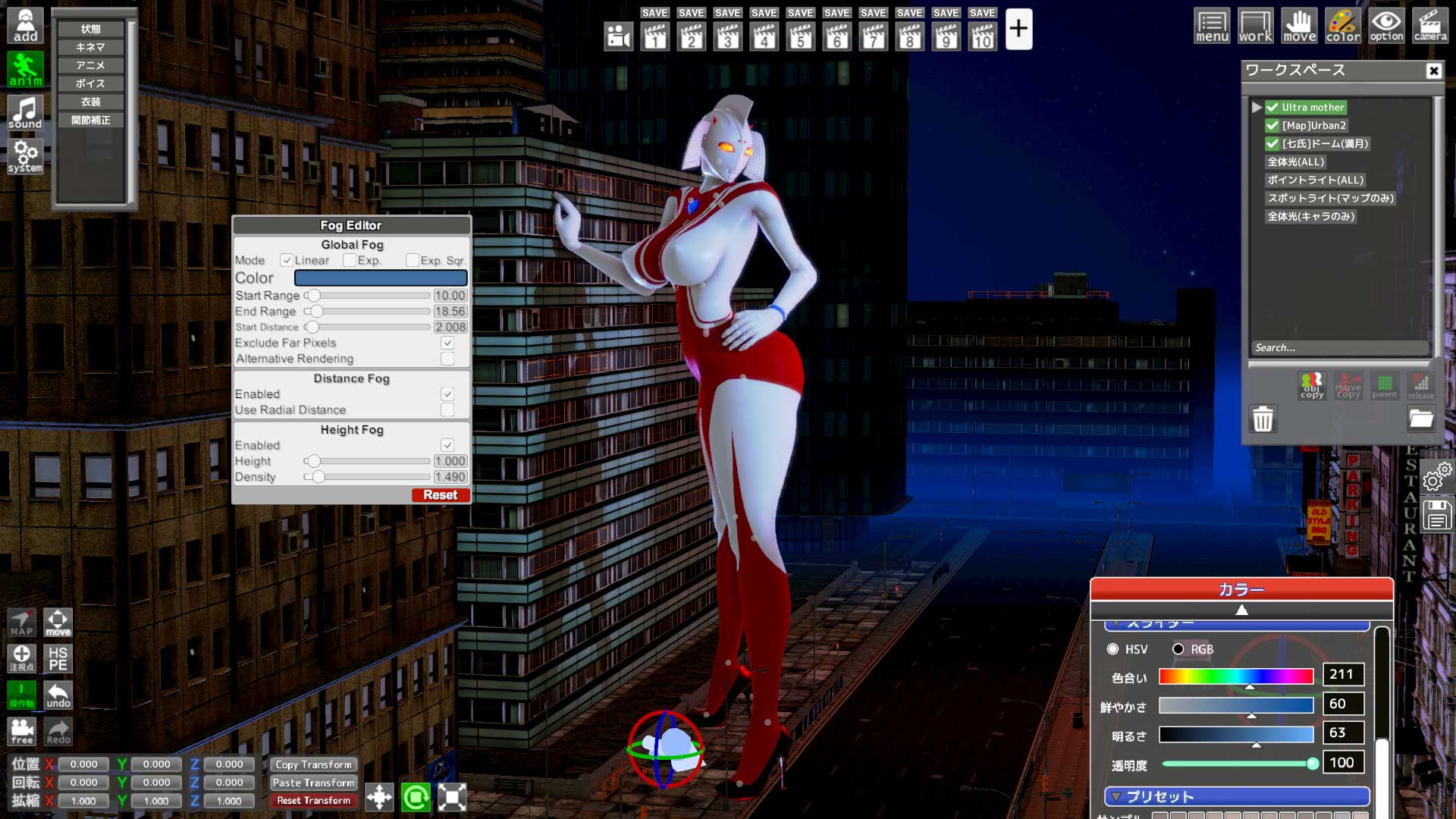
8.ctrl+FでFogEditorを起動、霧の色や、効果が始まる距離、消える距離などを設定
FogEditor [ctrl+F]
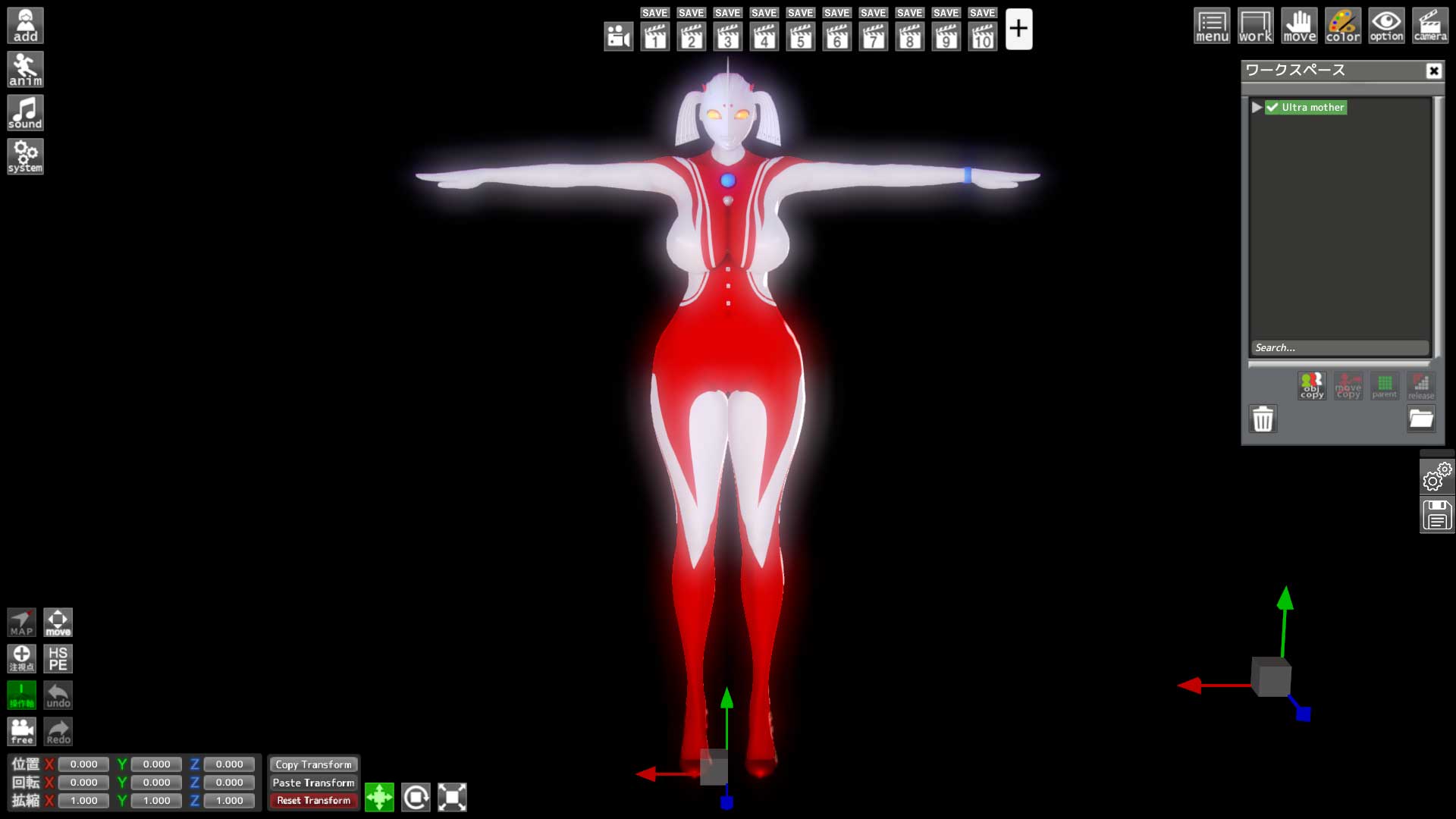
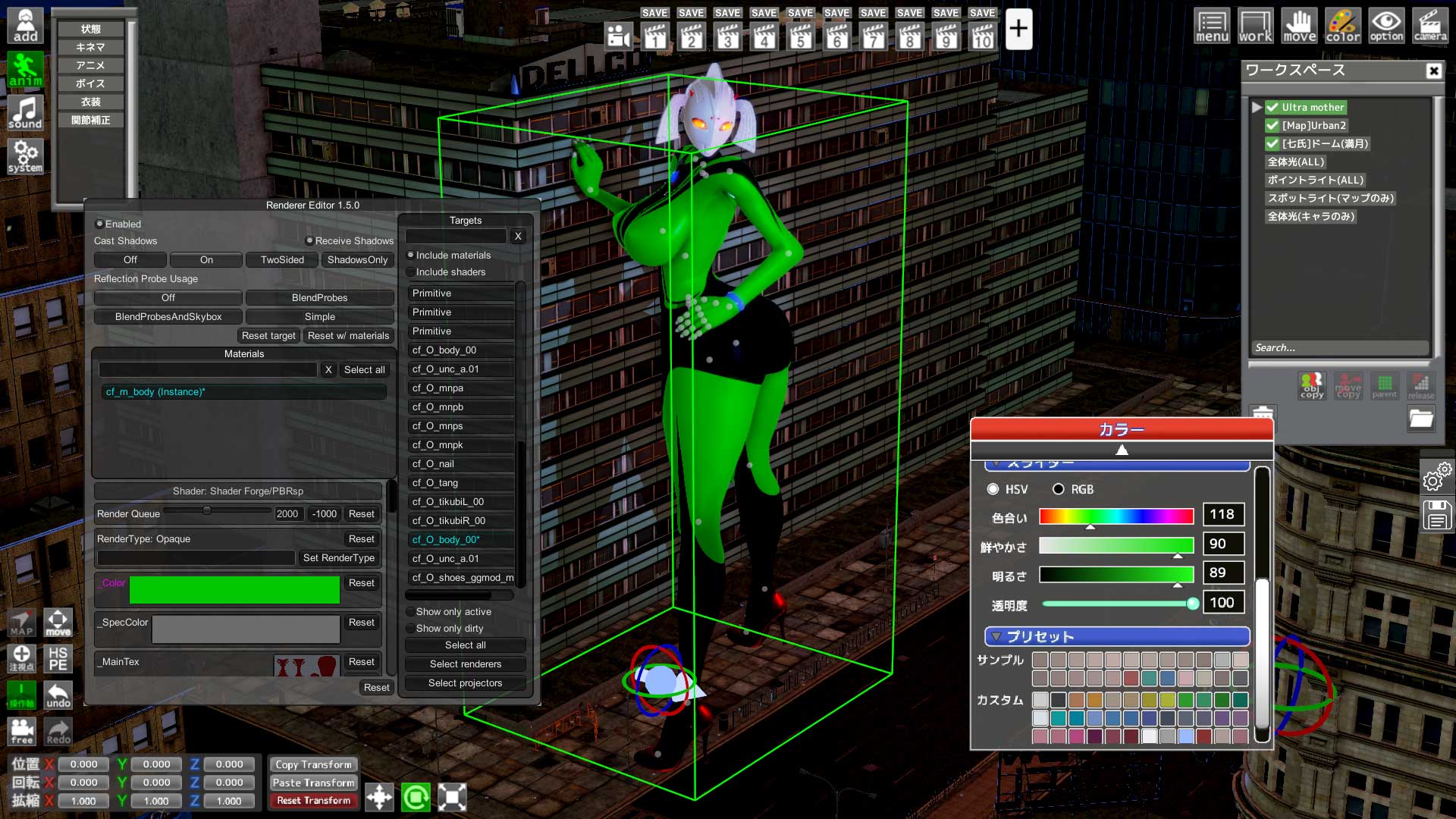
9.ctrl+RでRendererEditorを起動、右のコラムで選択し、色や質感、テクスチャなどを変更
RendererRditor [ctrl+R], change material/texture etc
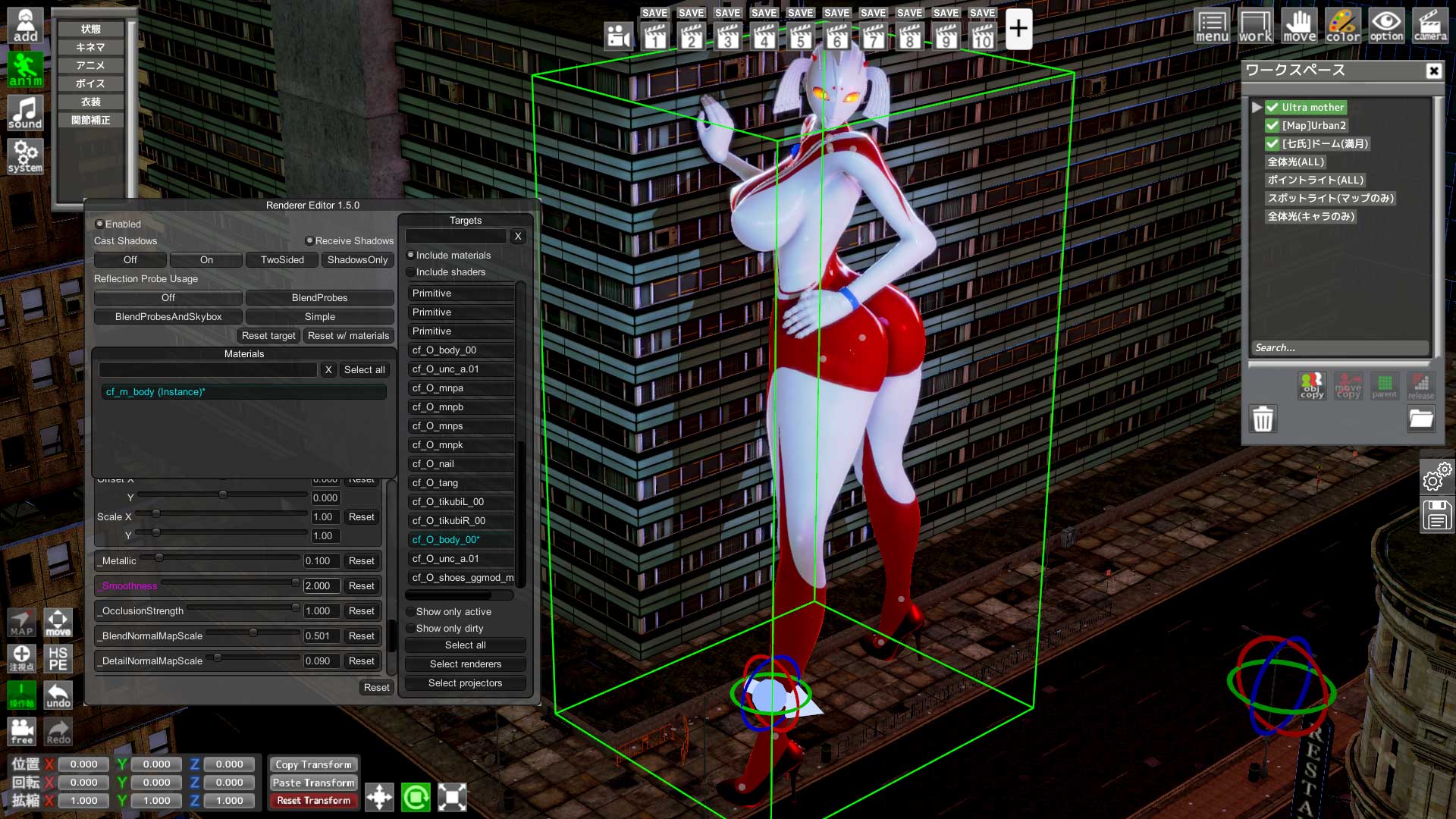
10.smoothnessを上げたり、Bumpマップを取り除いたりするとこの様にツルテカになります
change smoothness/remove Bumpmap if you want her skin looks smoother
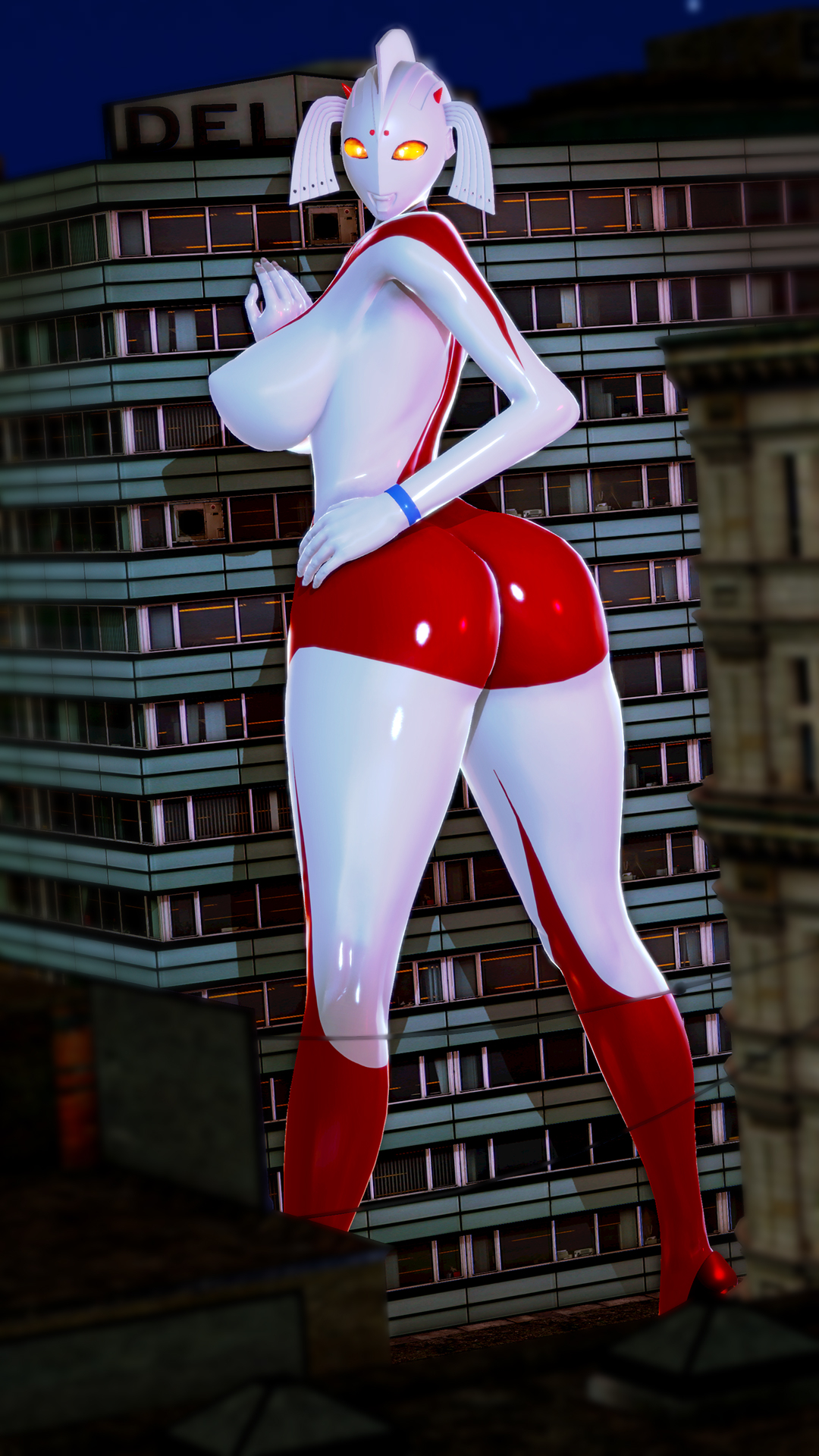
Done!
いかがだったでしょうか?人間の肌だともう少し複雑になります
いい感じのが出来たら是非見せてくださいね
Show me your Ultramom pictures!
トリカブト
2020-03-19 11:38:07 +0000 UTCtacky
2020-03-19 11:27:45 +0000 UTCトリカブト
2020-03-18 16:13:37 +0000 UTCvillain4hire
2020-03-18 15:34:59 +0000 UTCトリカブト
2020-03-18 15:06:46 +0000 UTCvillain4hire
2020-03-18 14:56:47 +0000 UTC